


 Service Center
Authentication
Before using the functions in this user manual, it is necessary to understand the authentication restrictions corresponding to different versions:
- Trial Version: Does not support authentication function
- Basic Version: Does not support authentication function
- Professional Version: Supports authentication function
Using eSignGlobal, you can authenticate the identity of the signatory.
Specify Authentication
- Install the “Authentication” plugin.
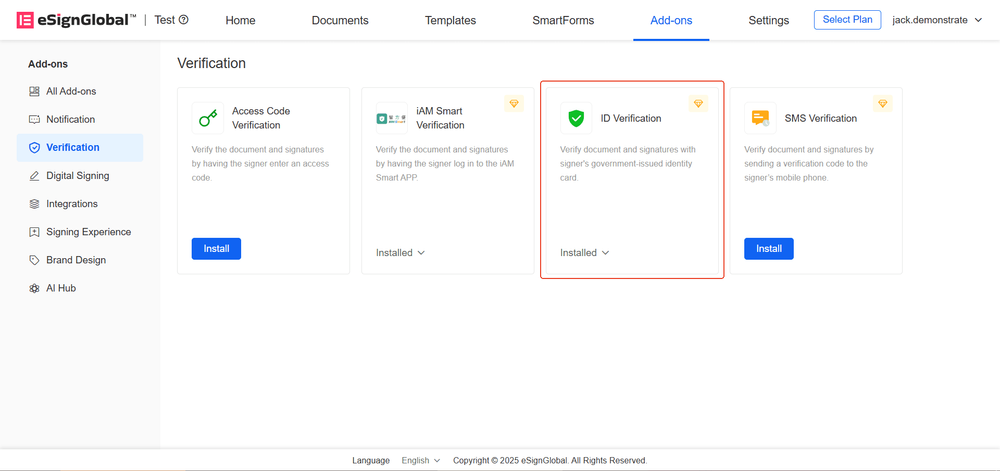
- When initiating an envelope, set the authentication method to “Authentication”.
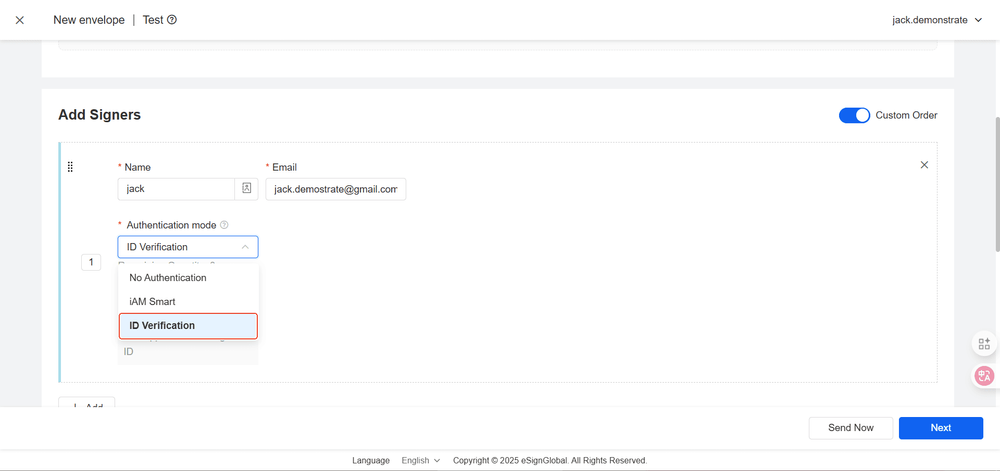
Tip:
Please ensure that the name of the signatory set in the envelope matches the name on the official ID of the signatory. If there is a discrepancy, the signatory will not be able to access the envelope content.
Authentication Process
- The signatory accesses the envelope link and needs to complete the authentication process following the steps
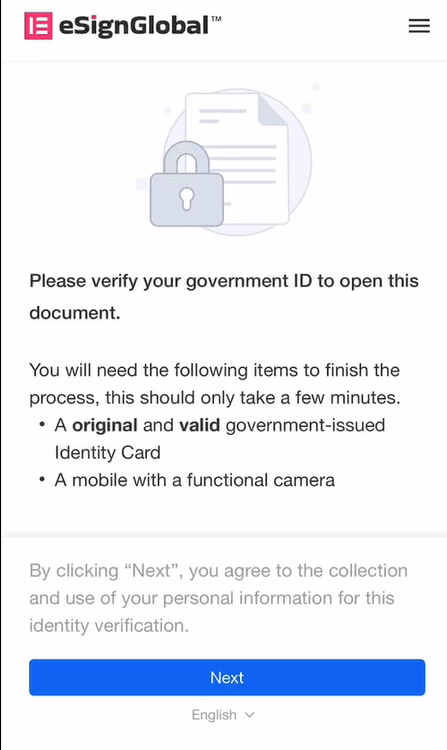
Tip:
Need to prepare: Original government-issued valid ID, mobile phone with camera function
- Select your country/region and ID type
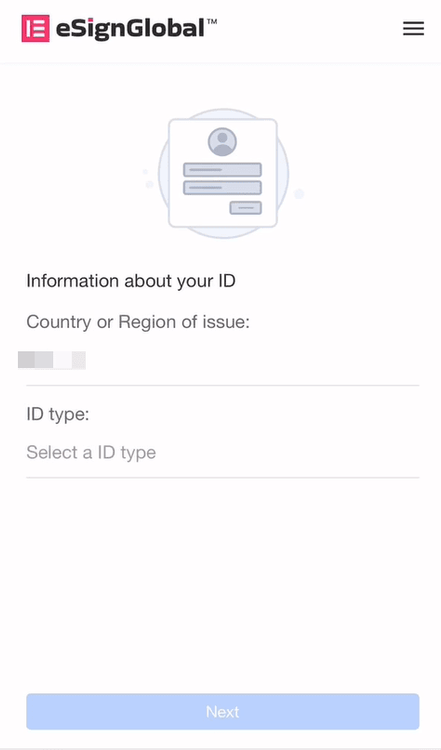
- After completing ID verification, facial recognition is required
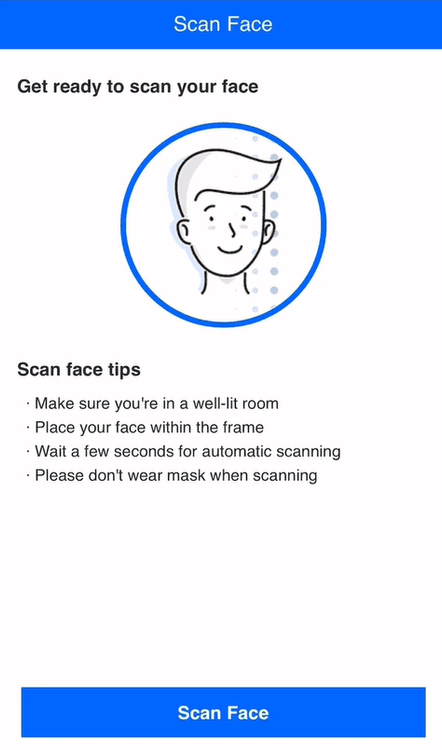
- After passing the verification, you can enter the signing page.


