Service Center
Template Import and Export
eSignGlobal supports users to import and export templates, facilitating quick cross-environment template migration within eSignGlobal.
Exporting Templates
-
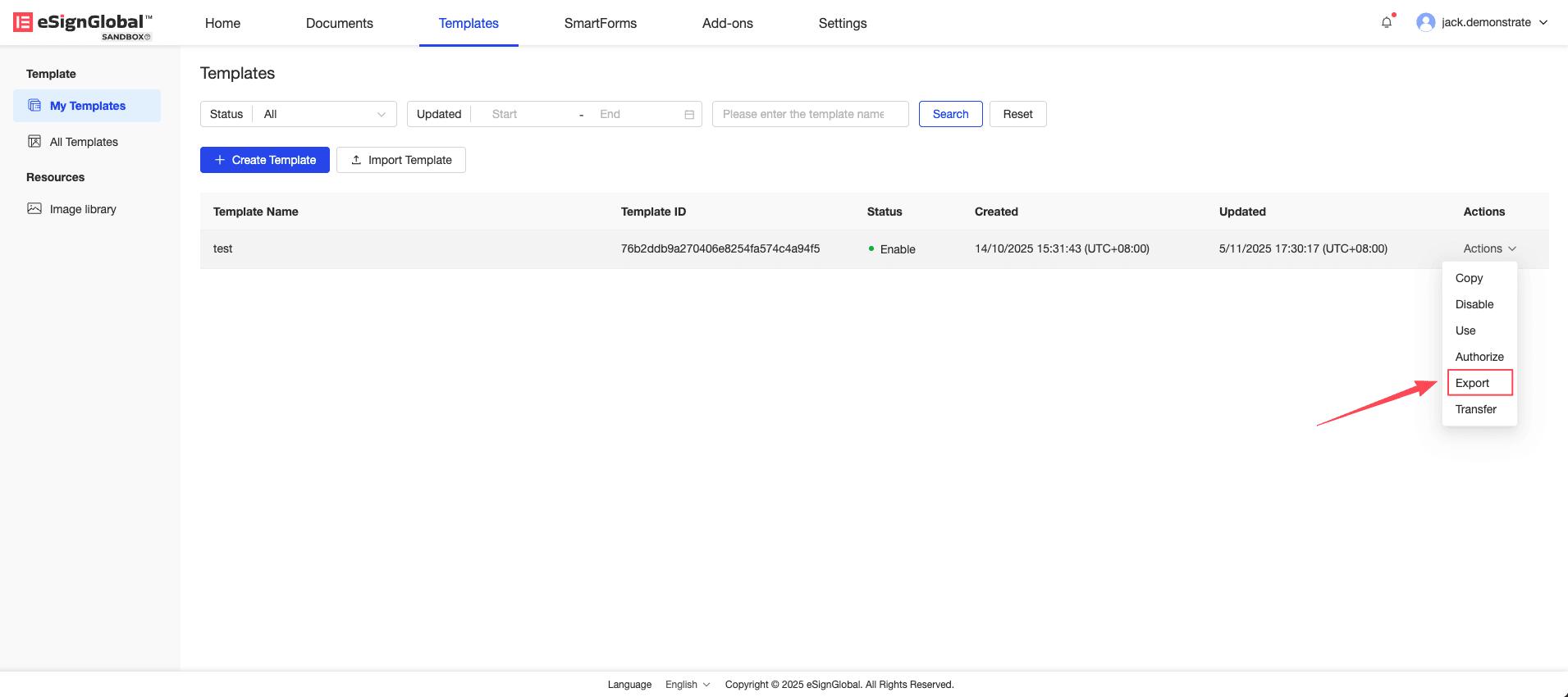
Select the template you want to export and click the [Export] button in the operation.
-
The template will be exported to the default download folder set in your browser.
Importing Templates
-
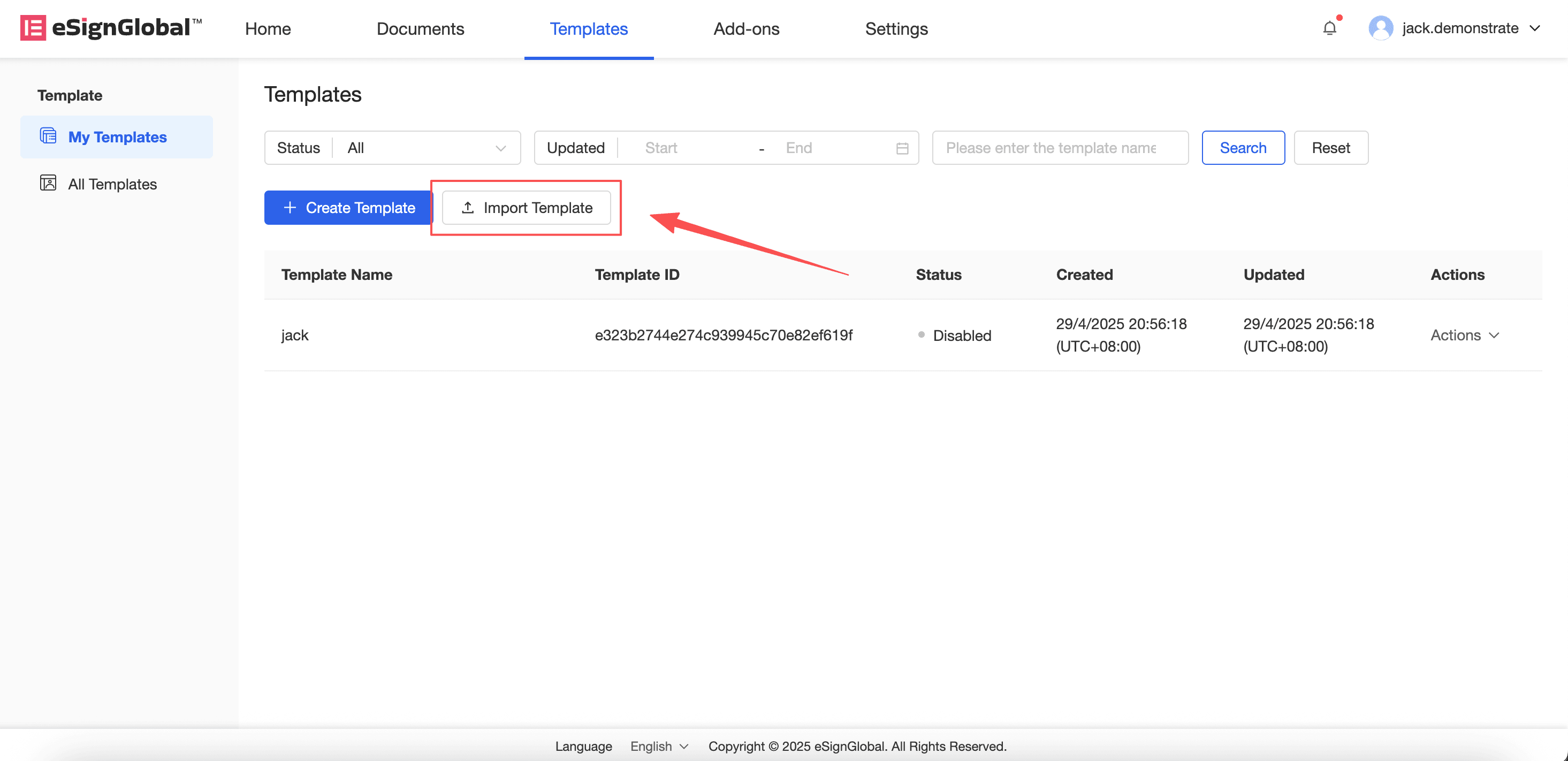
Click the “Import Template” button.
-
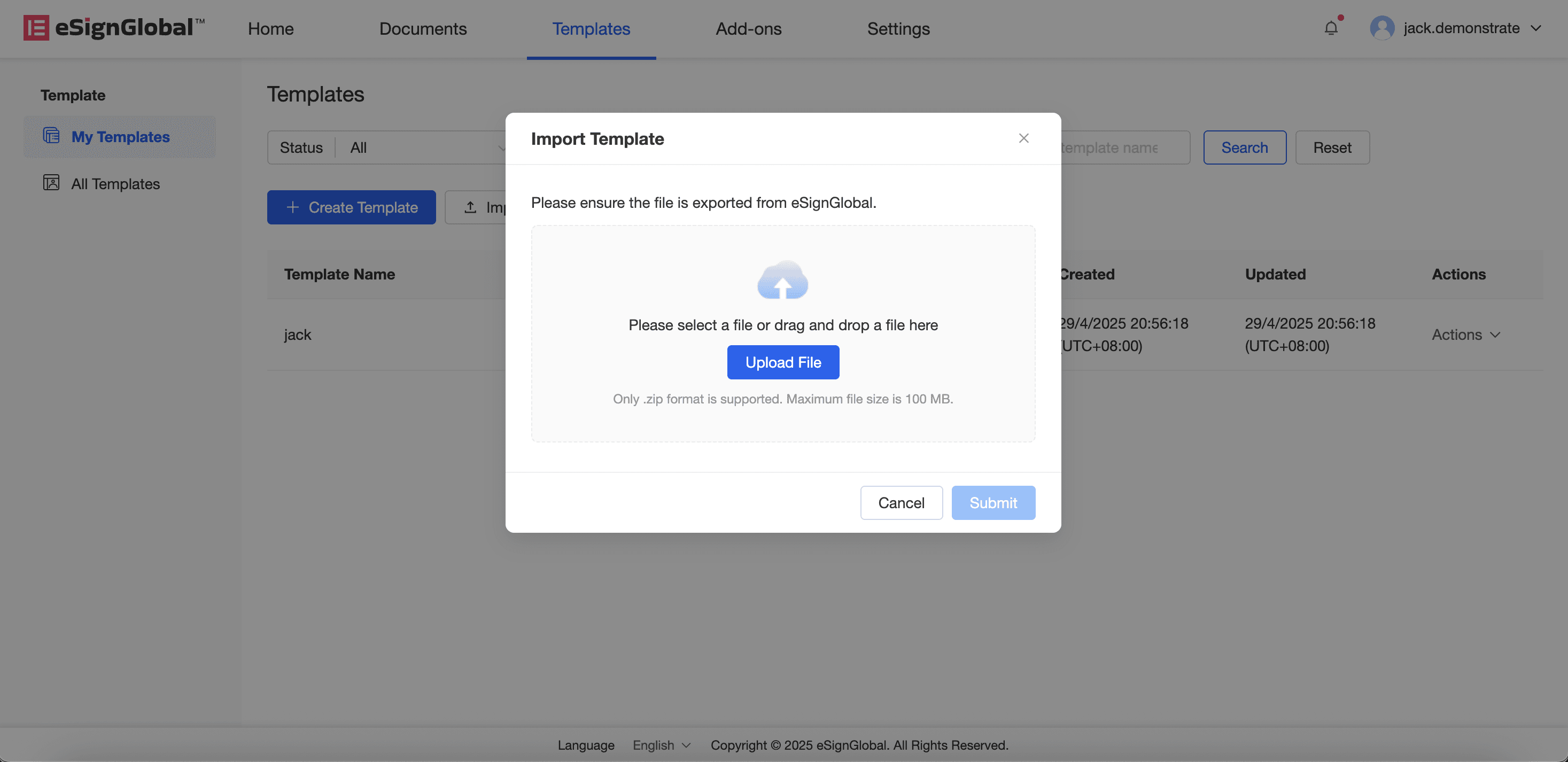
Upload the exported template zip file.
Note:
Import template requirements: Exported from eSignGlobal, and the exported zip file has not been renamed.
-
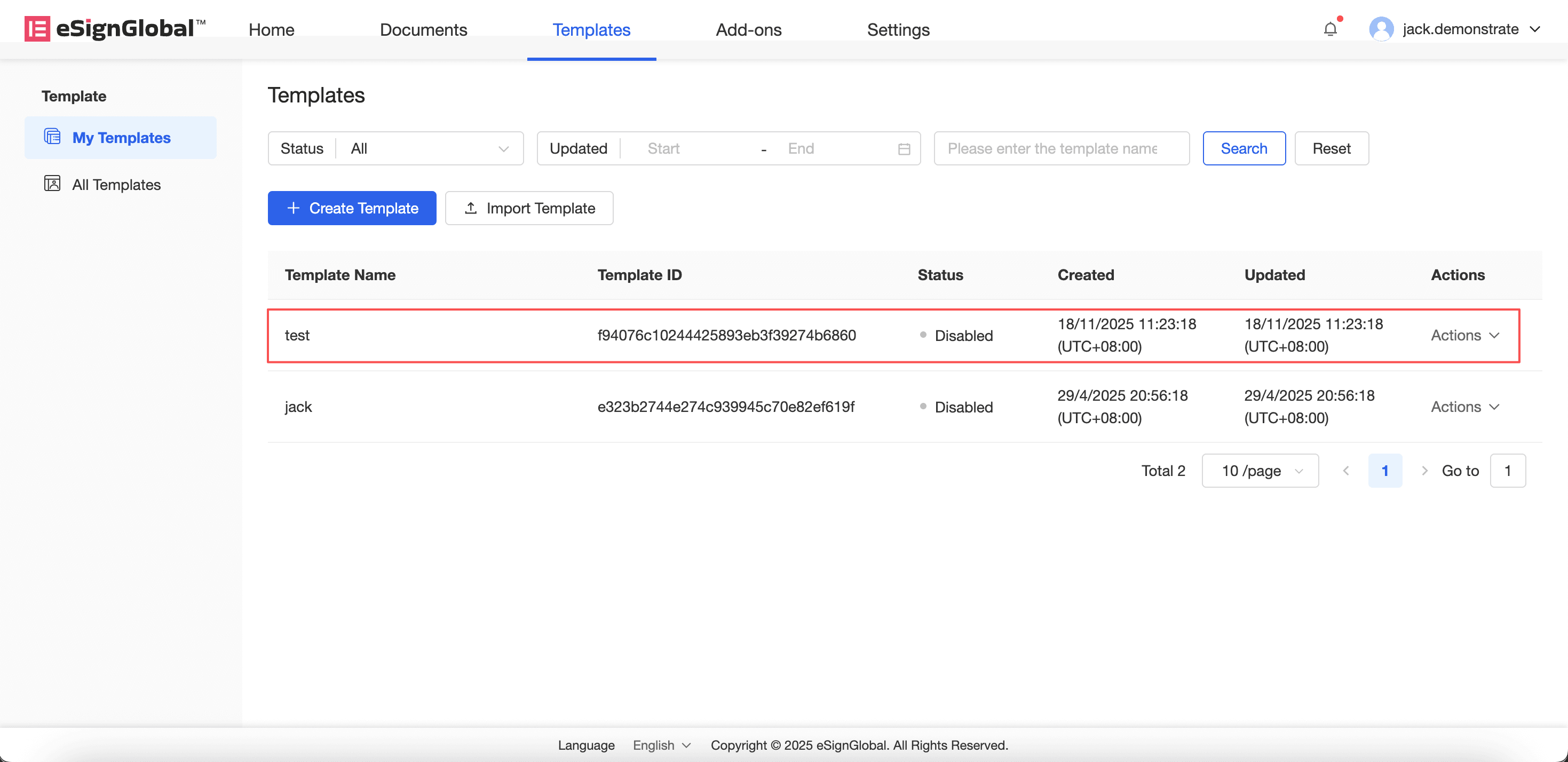
After clicking confirm, the imported template will be displayed in the list.
Note:
The new template created after import does not include the authorization relationship of the original template.