


 Service Center
Template Copy
eSignGlobal supports users to copy existing templates.
-
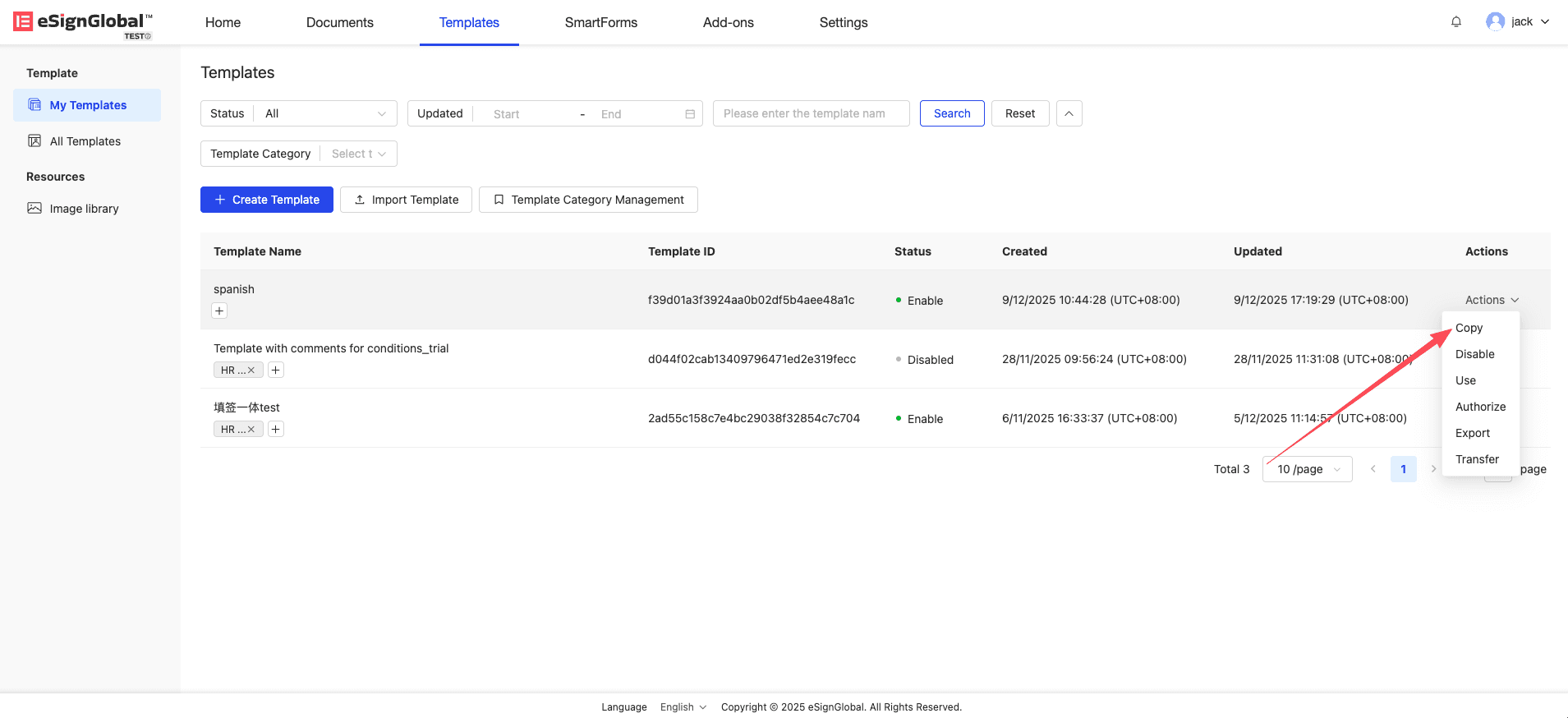
Click the “Copy” button in the template list.
Note:
- Only the template owner, administrator, and super administrator have the permission to copy the corresponding template.
-
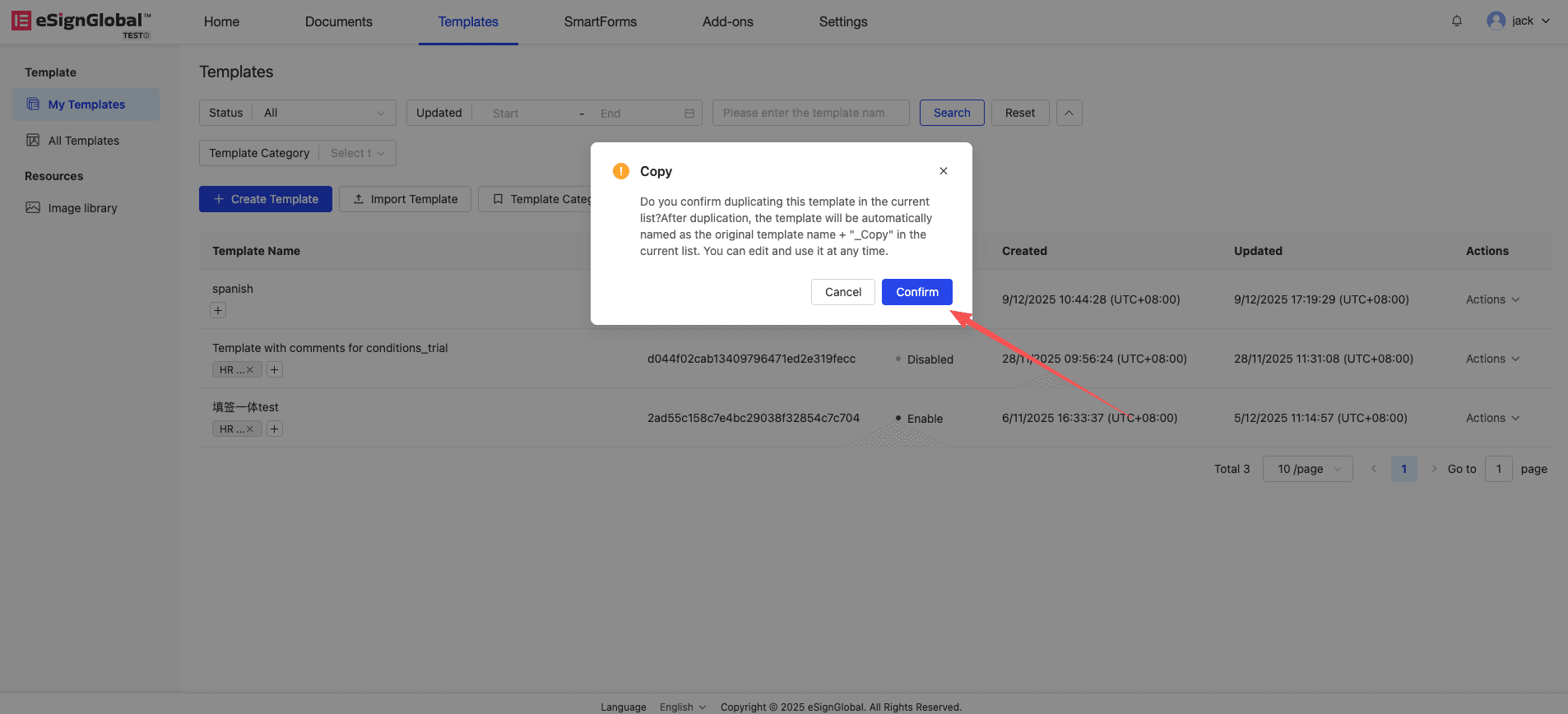
Click the “Confirm” button to successfully complete the template copy.
-
After the template is copied, “_copy” will be displayed after the template name, and users can modify the template name.


