Service Center
Single Sign-On SSO
Before using the features in this user manual, you need to understand the Single Sign-On SSO restrictions corresponding to different versions:
- Trial Version: Does not support Single Sign-On SSO function
- Basic Version: Does not support Single Sign-On SSO function
- Professional Version: Supports Single Sign-On SSO function
Enter the identity identifier to use the identity authentication provider for one-click login to eSignGlobal, without the need to repeatedly enter your username and password.
SSO Login
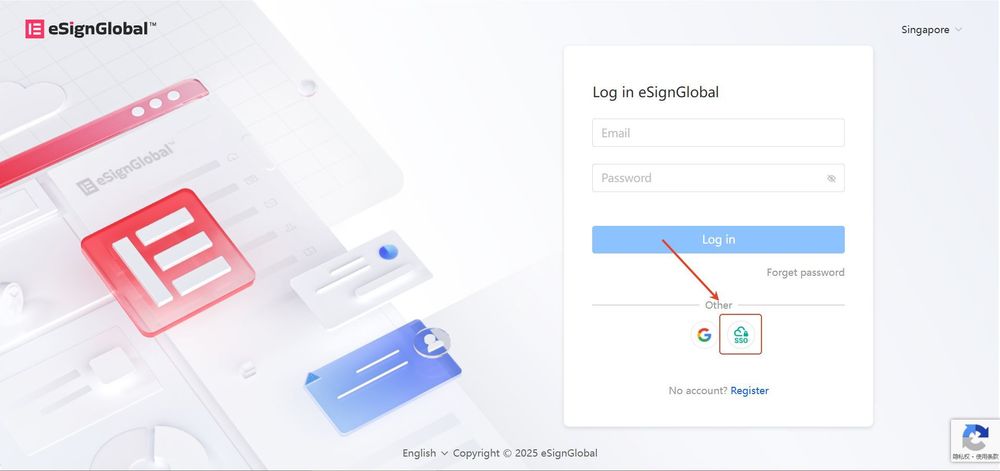
- Visit the eSignGlobal platform and click on “SSO”.
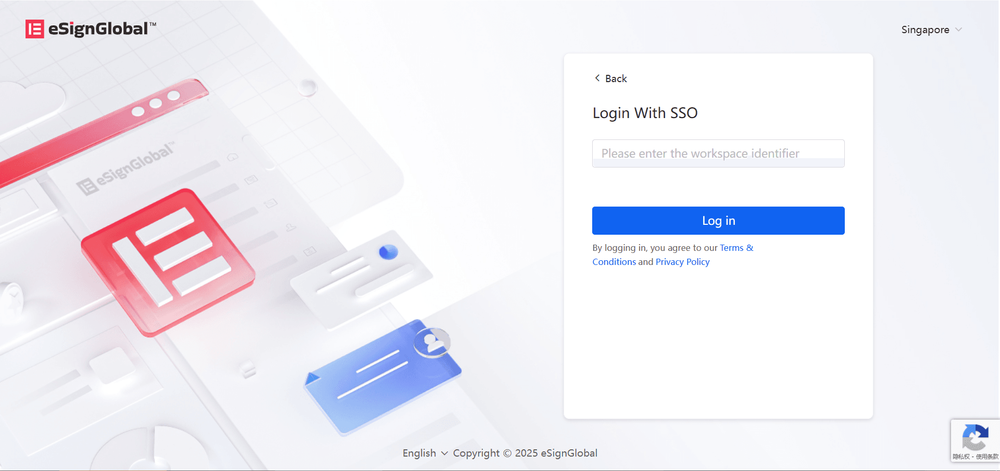
- Enter the “Identity Identifier” in the input box, which is provided by the super administrator. After clicking “Login”, you will be automatically redirected to the identity authentication provider’s login page to complete verification.
Note:
-
If you have not obtained the identity identifier, please contact the super administrator of your workspace;
-
Ensure that the SSO plugin has been installed and the SSO configuration has been enabled in your workspace.
-
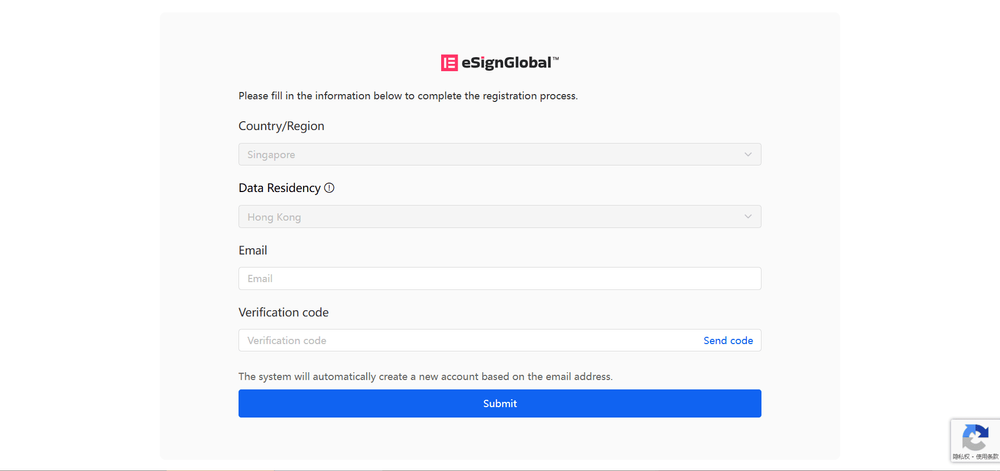
Supplement account information. If the system does not recognize your email information, please enter your email address as prompted and fill in the verification code, then click “Submit” to complete the login.