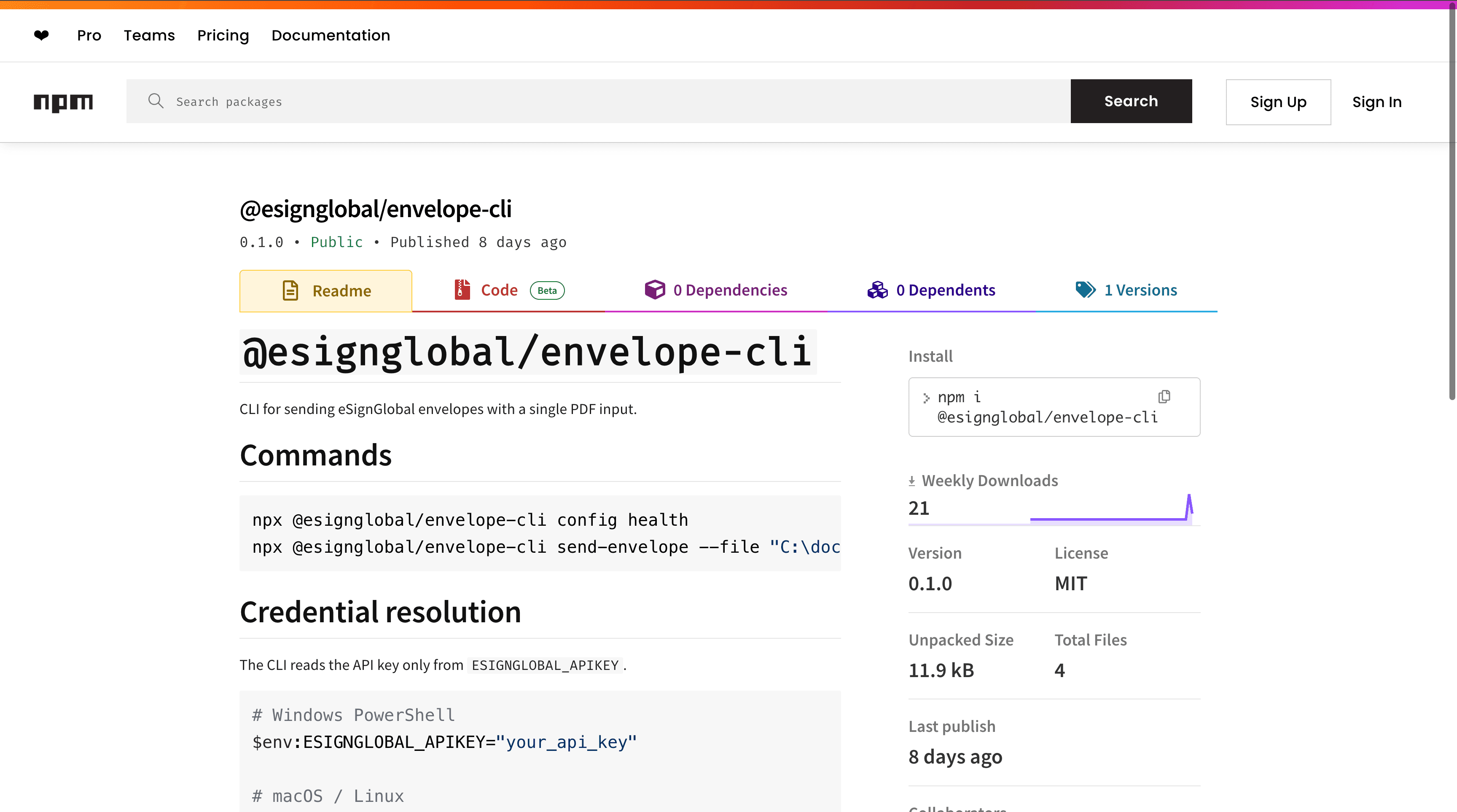
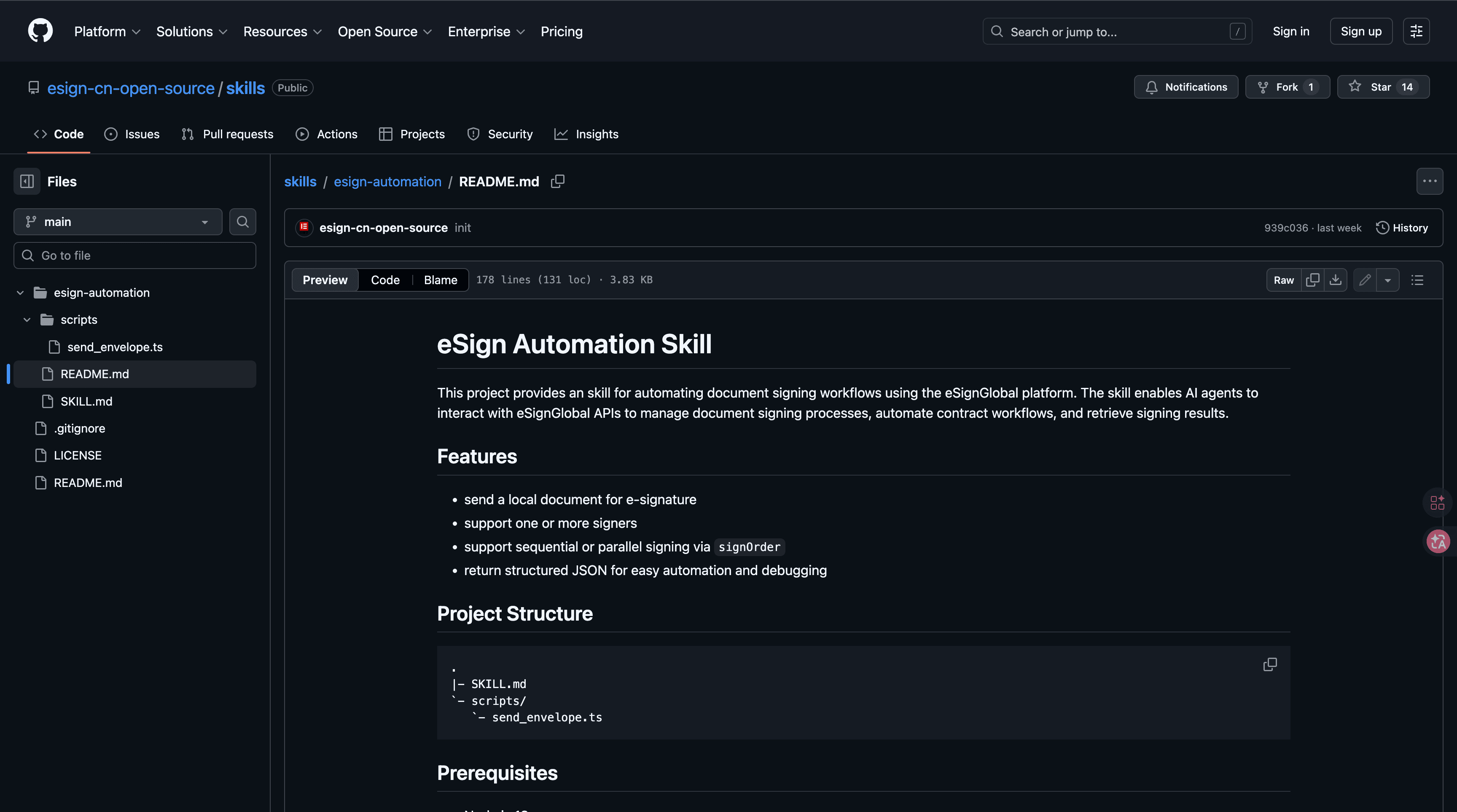
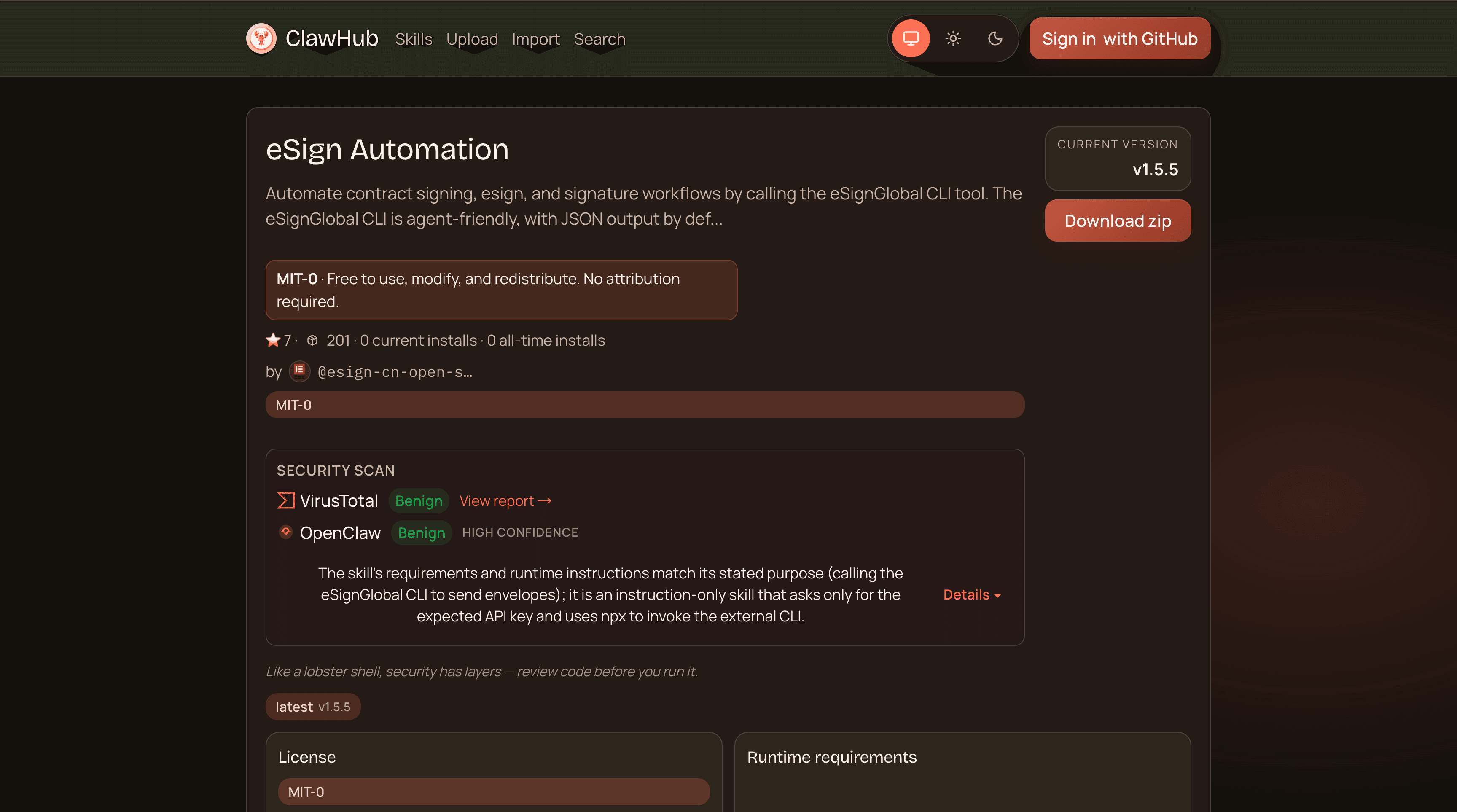
Step 1: Install the Skill
Instruct OpenClaw to install esign- automation and complete the basic configuration. It can be downloaded from ClawHub or installed via the GitHub repository( https://github.com/esign-cn-open-source/skills/tree/main/esign-automation ).
Step 2: Configure the API Key
Obtain an exclusive API key from the eSignGlobal platform and configure it to enable secure communication with OpenClaw. Keep this key strictly confidential.
Step 3: Initiate a Task
Use natural language to specify the document path, participants, and signer emails to OpenClaw. The system will automatically call the eSignGlobal API to start the signing process.
Step 4: Retrieve Results
Once signing is complete, esign-automation automatically synchronizes the results. Users can retrieve records directly through OpenClaw without manual polling.
Developers can choose between the ClawHub or GitHub versions, which offer identical functionality.