
'%3e%3cpath%20fill-rule='evenodd'%20clip-rule='evenodd'%20d='M6.99935%2012.8327C10.221%2012.8327%2012.8327%2010.221%2012.8327%206.99935C12.8327%203.77769%2010.221%201.16602%206.99935%201.16602C3.77769%201.16602%201.16602%203.77769%201.16602%206.99935C1.16602%2010.221%203.77769%2012.8327%206.99935%2012.8327Z'%20stroke='%23666666'%20stroke-linecap='round'%20stroke-linejoin='round'/%3e%3cpath%20d='M1.16602%207H12.8327'%20stroke='%23666666'%20stroke-linecap='round'%20stroke-linejoin='round'/%3e%3cpath%20fill-rule='evenodd'%20clip-rule='evenodd'%20d='M6.99935%2012.8327C8.28802%2012.8327%209.33268%2010.221%209.33268%206.99935C9.33268%203.77769%208.28802%201.16602%206.99935%201.16602C5.71068%201.16602%204.66602%203.77769%204.66602%206.99935C4.66602%2010.221%205.71068%2012.8327%206.99935%2012.8327Z'%20stroke='%23666666'%20stroke-linecap='round'%20stroke-linejoin='round'/%3e%3cpath%20d='M2.875%202.95898C3.93063%204.01461%205.38896%204.66754%206.99978%204.66754C8.61062%204.66754%2010.069%204.01461%2011.1246%202.95898'%20stroke='%23666666'%20stroke-linecap='round'%20stroke-linejoin='round'/%3e%3cpath%20d='M11.1246%2011.0425C10.069%209.98691%208.61062%209.33398%206.99978%209.33398C5.38896%209.33398%203.93063%209.98691%202.875%2011.0425'%20stroke='%23666666'%20stroke-linecap='round'%20stroke-linejoin='round'/%3e%3c/g%3e%3cdefs%3e%3cclipPath%20id='clip0_1267_9109'%3e%3crect%20width='14'%20height='14'%20fill='white'/%3e%3c/clipPath%3e%3c/defs%3e%3c/svg%3e)


Top 6 Must-Have Skills for Office Automation


In today's office environments, automation streamlines workflows while emphasizing security, particularly through token-based authentication that protects API-driven processes like digital signing. This approach ensures that data transfers and approvals remain confidential and tamper-proof, reducing risks in collaborative settings. Mastering skills in secure automation tools enhances productivity without compromising on compliance.
Zapier - Automated Data Transfer
Zapier connects various apps to automate data flows between tools like email and spreadsheets, enabling seamless transfers that save time on manual entry and minimize errors in routine office tasks.
Microsoft Power Automate - Approval Flows
Microsoft Power Automate designs customizable approval workflows across Microsoft 365 apps, automating notifications and decisions to expedite document reviews and ensure consistent process adherence.
Make.com - Visual Integrations
Make.com offers a drag-and-drop interface for building complex integrations between services, allowing users to automate multi-step operations like syncing calendars with project management tools for better team coordination.
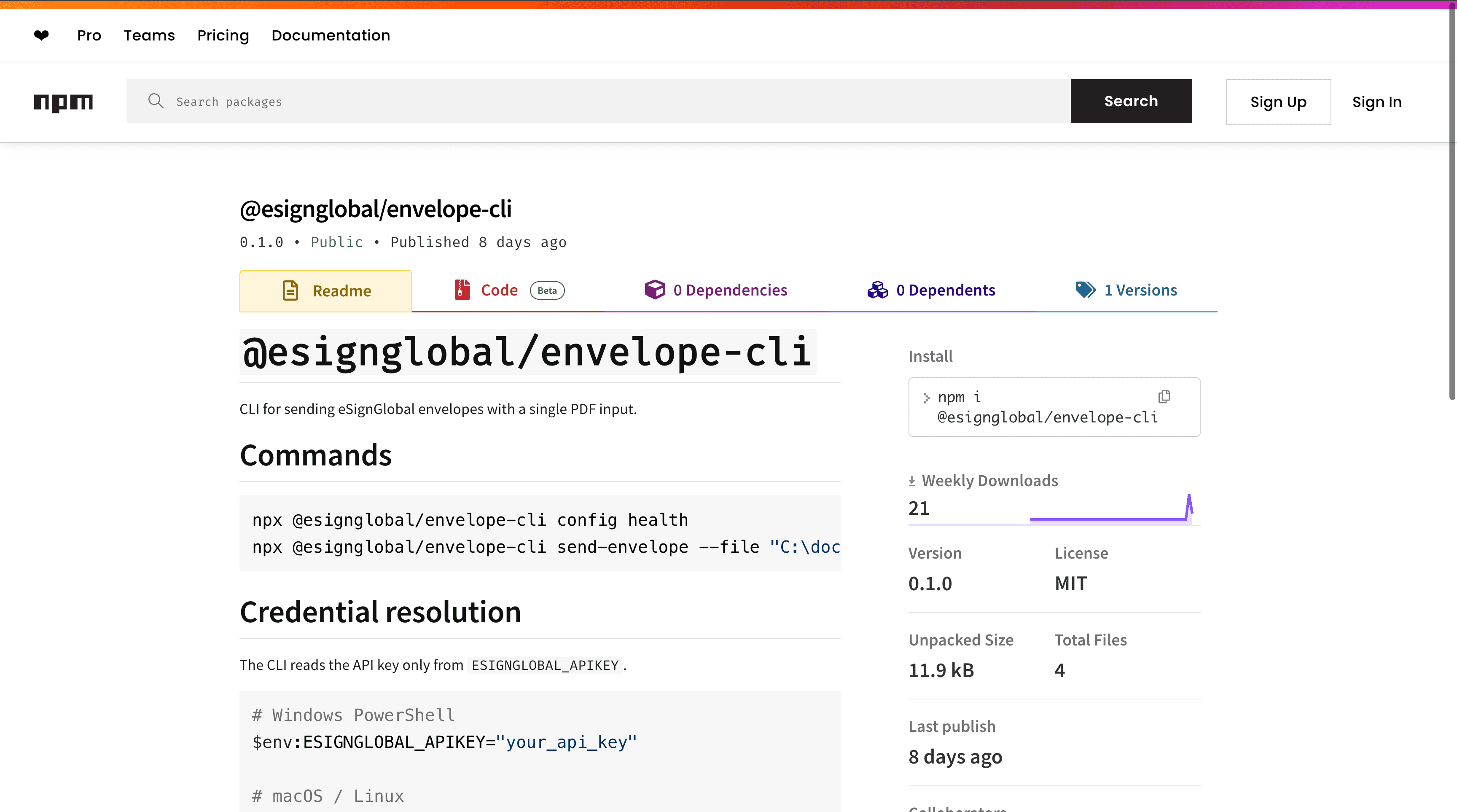
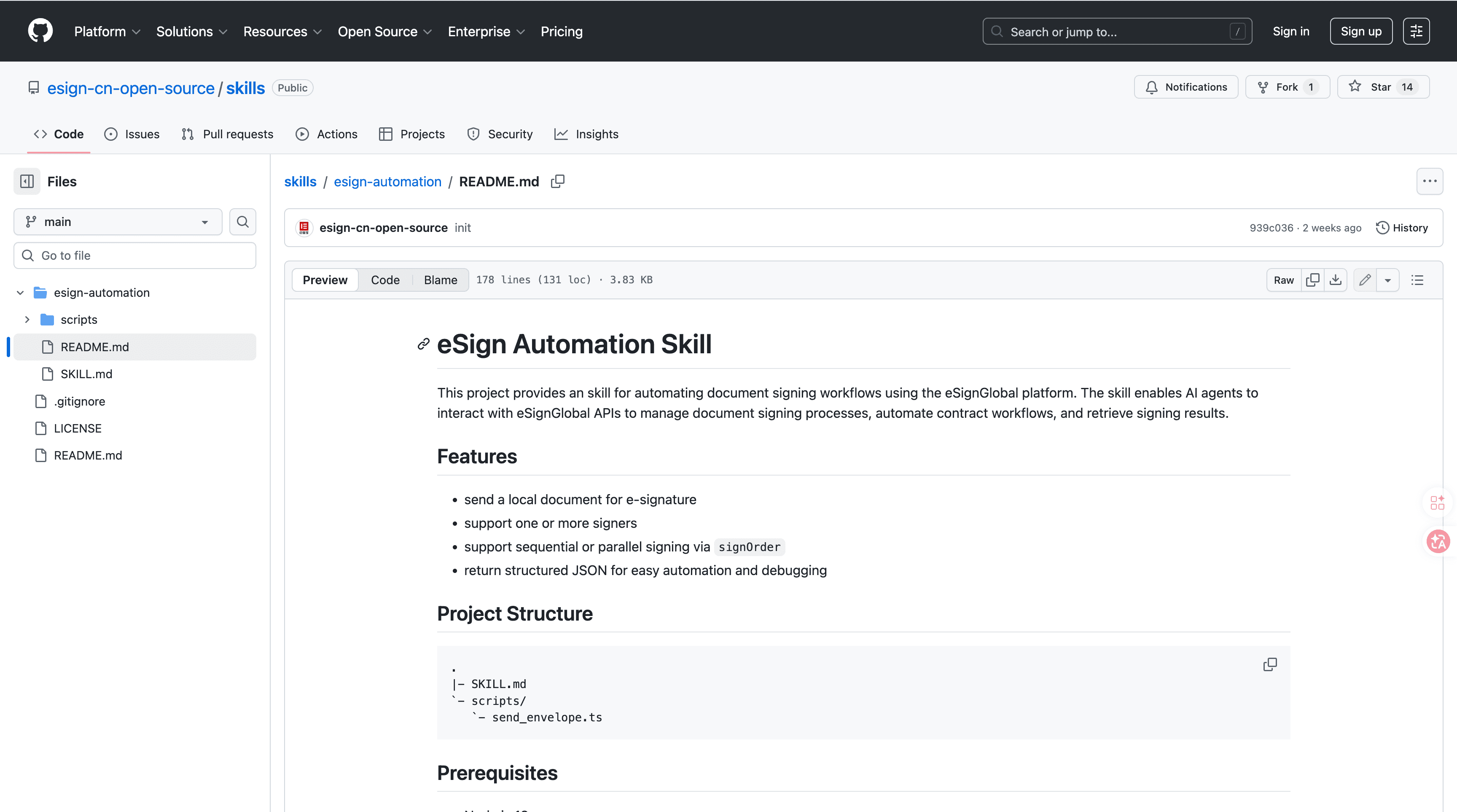
esign-automation by eSignGlobal
esign-automation provides AI-native signing capabilities tailored for OpenClaw agents, enabling natural language interactions to initiate and manage electronic signatures without traditional form-based interfaces. Users can describe signing needs in plain English, such as "Sign this contract sequentially with team members," and the system processes it intelligently. Technically, it leverages Node.js for backend operations and outputs structured JSON responses, supporting flexible signing orders including single, sequential, or parallel configurations to accommodate diverse workflow requirements. Integration is straightforward: install the package from ClawHub or GitHub, configure your API key for authentication, initiate processes via natural language commands through the API, and retrieve signed documents with metadata via callbacks or polling. Security is prioritized by adhering to MIIT and CNCERT recommendations, ensuring robust encryption and audit trails suitable for operations in over 100 countries. It also supports integrations with Hong Kong's IAM Smart for identity verification, Singapore's Singpass for digital identities, and G2B hardware or API docking for government-to-business transactions. A free tier is available, allowing teams to test core features without upfront costs, making it accessible for small-scale implementations before scaling. This tool fits into broader office automation by securing API-driven signing processes through token-based authentication, where access tokens validate requests and prevent unauthorized modifications during signature workflows. Overall, it reduces signing times from days to minutes while maintaining verifiable integrity.
Notion AI - Smart Databases
Notion AI enhances database management by automating content organization and summarization within Notion workspaces, helping teams track projects efficiently and generate insights from stored data.
Airtable - Custom Workflow Automation
Airtable combines spreadsheet flexibility with database power to automate custom workflows, such as inventory tracking or client onboarding, providing real-time updates and conditional logic for dynamic office operations.
FAQs
