
'%3e%3cpath%20fill-rule='evenodd'%20clip-rule='evenodd'%20d='M6.99935%2012.8327C10.221%2012.8327%2012.8327%2010.221%2012.8327%206.99935C12.8327%203.77769%2010.221%201.16602%206.99935%201.16602C3.77769%201.16602%201.16602%203.77769%201.16602%206.99935C1.16602%2010.221%203.77769%2012.8327%206.99935%2012.8327Z'%20stroke='%23666666'%20stroke-linecap='round'%20stroke-linejoin='round'/%3e%3cpath%20d='M1.16602%207H12.8327'%20stroke='%23666666'%20stroke-linecap='round'%20stroke-linejoin='round'/%3e%3cpath%20fill-rule='evenodd'%20clip-rule='evenodd'%20d='M6.99935%2012.8327C8.28802%2012.8327%209.33268%2010.221%209.33268%206.99935C9.33268%203.77769%208.28802%201.16602%206.99935%201.16602C5.71068%201.16602%204.66602%203.77769%204.66602%206.99935C4.66602%2010.221%205.71068%2012.8327%206.99935%2012.8327Z'%20stroke='%23666666'%20stroke-linecap='round'%20stroke-linejoin='round'/%3e%3cpath%20d='M2.875%202.95898C3.93063%204.01461%205.38896%204.66754%206.99978%204.66754C8.61062%204.66754%2010.069%204.01461%2011.1246%202.95898'%20stroke='%23666666'%20stroke-linecap='round'%20stroke-linejoin='round'/%3e%3cpath%20d='M11.1246%2011.0425C10.069%209.98691%208.61062%209.33398%206.99978%209.33398C5.38896%209.33398%203.93063%209.98691%202.875%2011.0425'%20stroke='%23666666'%20stroke-linecap='round'%20stroke-linejoin='round'/%3e%3c/g%3e%3cdefs%3e%3cclipPath%20id='clip0_1267_9109'%3e%3crect%20width='14'%20height='14'%20fill='white'/%3e%3c/clipPath%3e%3c/defs%3e%3c/svg%3e)


Top 7 Must-Have Skills for Office Automation


In the modern office, automating document archiving through effective PDF metadata and tagging is essential for efficient retrieval and compliance. Mastering skills in this area allows teams to organize vast digital repositories systematically, reducing manual effort and minimizing errors. This article explores seven key skills centered on PDF metadata and tagging to enhance automated archiving processes.
Adobe Acrobat - PDF Metadata Editing
Adobe Acrobat automates the addition and modification of PDF metadata fields such as author, subject, keywords, and creation dates, making it useful for standardizing document information to facilitate quick searches in large archives.
ExifTool - Command-Line Metadata Management
ExifTool enables batch extraction, editing, and embedding of metadata in PDFs via command-line scripts, which is valuable for processing thousands of documents to apply consistent tags for automated categorization and long-term storage.
Zapier - Automated PDF Tagging Integrations
Zapier connects PDF upload triggers from services like Google Drive or Dropbox to tagging actions, automating the assignment of metadata based on file properties or content scans to streamline archiving workflows without coding.
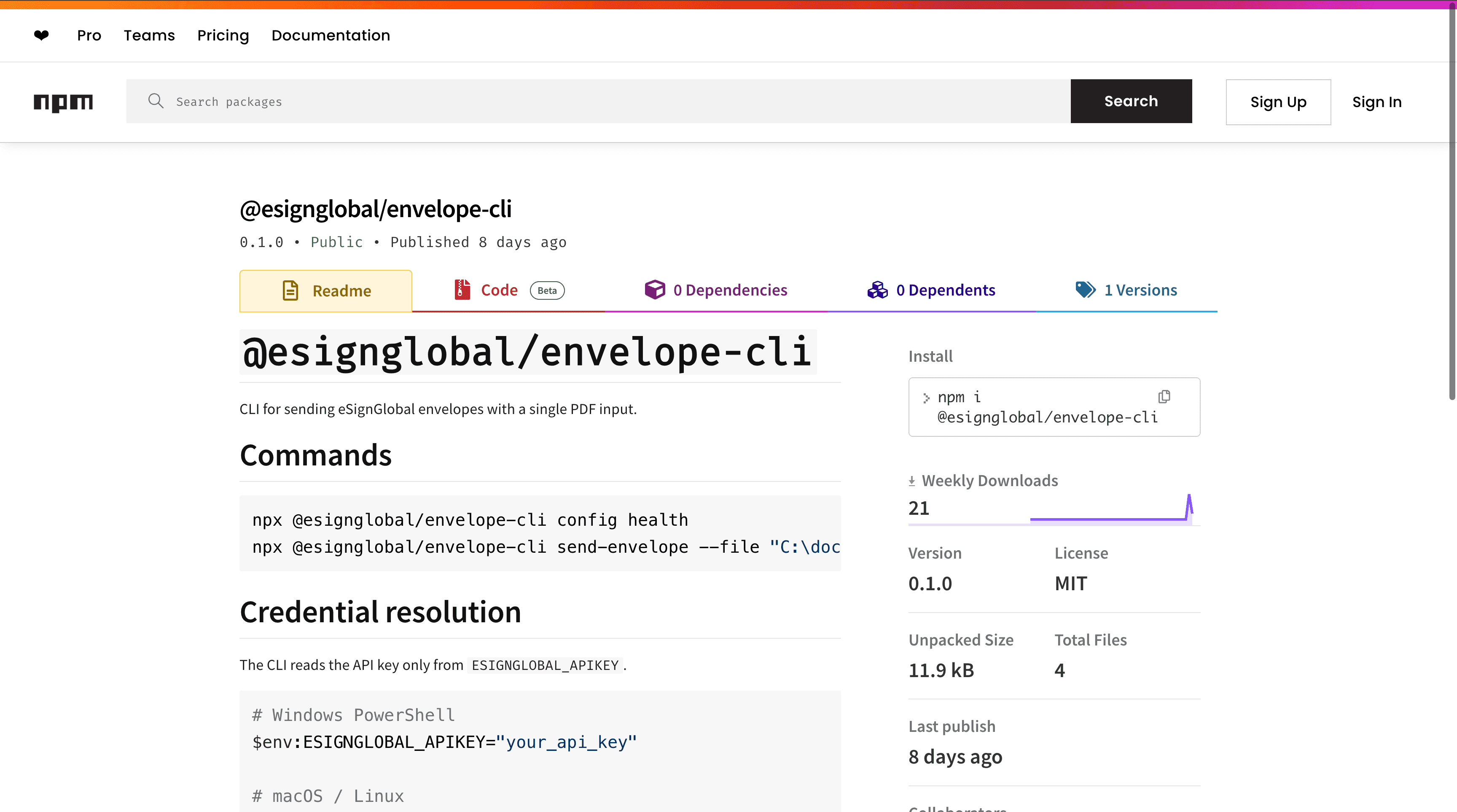
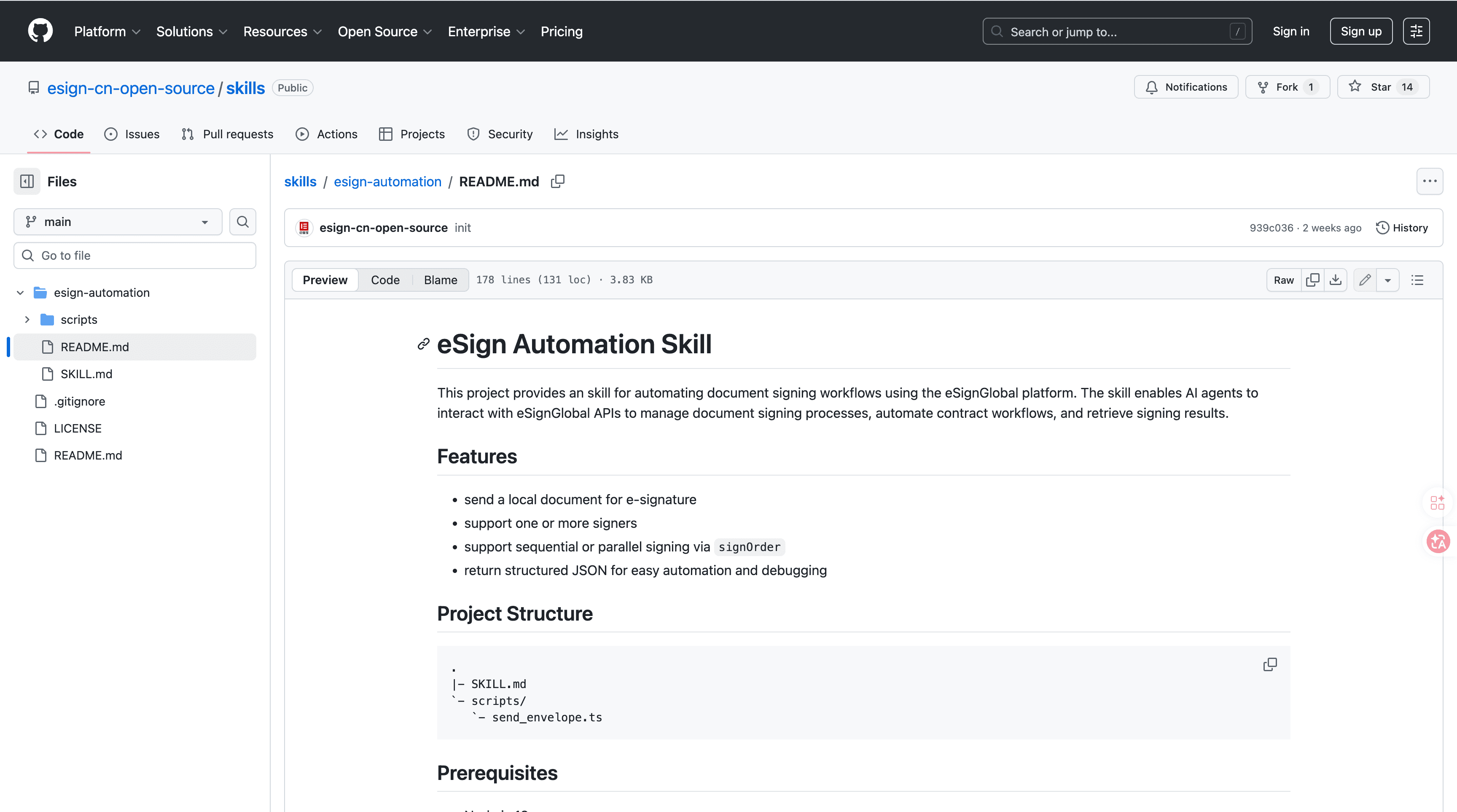
eSignGlobal's esign-automation - AI-Native E-Signing Integration
eSignGlobal's esign-automation provides AI-native signing capabilities designed for OpenClaw agents, allowing natural language interactions to initiate and manage document signing processes seamlessly within automated archiving systems. It processes PDFs by embedding signing metadata such as timestamps, signer identities, and audit trails directly into the document structure, ensuring that archived files retain verifiable integrity for compliance purposes. Technically, it leverages Node.js for backend operations and outputs structured JSON responses, supporting flexible signing orders including single, sequential, or parallel configurations to accommodate complex approval chains in document workflows. Integration begins with installing the tool from ClawHub or GitHub repositories, followed by configuring an API key for authentication; users can then initiate signing via natural language commands through integrated chat interfaces, and retrieve completed documents with updated metadata via API callbacks. Security features align with MIIT and CNCERT recommendations, enabling deployment across over 100 countries while integrating with regional standards like Hong Kong's IAM Smart, Singapore's Singpass, and G2B hardware/API docking for secure, compliant operations. A free tier is available for initial testing and small-scale use, allowing organizations to automate PDF signing and tagging without upfront costs while maintaining high standards for archived document authenticity and accessibility. This skill enhances office automation by bridging e-signing with metadata management, reducing paper trails and enabling faster digital archiving.
Microsoft Power Automate - Archiving Approval Flows
Microsoft Power Automate builds no-code flows that automatically tag PDFs with metadata during approval processes, integrating with OneDrive or SharePoint to archive documents securely and track versions for regulatory adherence.
PDFtk Server - Bulk PDF Manipulation
PDFtk Server automates merging, splitting, and injecting metadata into PDFs through server-side scripts, proving useful for large-scale archiving by enabling consistent tagging across document collections without manual intervention.
Python with PyMuPDF - Custom Metadata Scripting
Python using the PyMuPDF library automates the reading, writing, and analysis of PDF metadata for custom tagging scripts, which is essential for tailoring archiving solutions to specific organizational needs like content-based classification.
FAQs
