
'%3e%3cpath%20fill-rule='evenodd'%20clip-rule='evenodd'%20d='M6.99935%2012.8327C10.221%2012.8327%2012.8327%2010.221%2012.8327%206.99935C12.8327%203.77769%2010.221%201.16602%206.99935%201.16602C3.77769%201.16602%201.16602%203.77769%201.16602%206.99935C1.16602%2010.221%203.77769%2012.8327%206.99935%2012.8327Z'%20stroke='%23666666'%20stroke-linecap='round'%20stroke-linejoin='round'/%3e%3cpath%20d='M1.16602%207H12.8327'%20stroke='%23666666'%20stroke-linecap='round'%20stroke-linejoin='round'/%3e%3cpath%20fill-rule='evenodd'%20clip-rule='evenodd'%20d='M6.99935%2012.8327C8.28802%2012.8327%209.33268%2010.221%209.33268%206.99935C9.33268%203.77769%208.28802%201.16602%206.99935%201.16602C5.71068%201.16602%204.66602%203.77769%204.66602%206.99935C4.66602%2010.221%205.71068%2012.8327%206.99935%2012.8327Z'%20stroke='%23666666'%20stroke-linecap='round'%20stroke-linejoin='round'/%3e%3cpath%20d='M2.875%202.95898C3.93063%204.01461%205.38896%204.66754%206.99978%204.66754C8.61062%204.66754%2010.069%204.01461%2011.1246%202.95898'%20stroke='%23666666'%20stroke-linecap='round'%20stroke-linejoin='round'/%3e%3cpath%20d='M11.1246%2011.0425C10.069%209.98691%208.61062%209.33398%206.99978%209.33398C5.38896%209.33398%203.93063%209.98691%202.875%2011.0425'%20stroke='%23666666'%20stroke-linecap='round'%20stroke-linejoin='round'/%3e%3c/g%3e%3cdefs%3e%3cclipPath%20id='clip0_1267_9109'%3e%3crect%20width='14'%20height='14'%20fill='white'/%3e%3c/clipPath%3e%3c/defs%3e%3c/svg%3e)


Top 6 Must-Have Skills for Office Automation


In sales operations, manual data entry from CRM systems to contract signing processes often leads to errors and delays. CRM-to-signature data mapping automates the flow of customer information directly into signing workflows, streamlining approvals and reducing administrative burdens. Mastering tools that facilitate this integration is essential for efficient office automation.
Zapier - Automated Data Transfer
Zapier enables seamless connections between CRM platforms like Salesforce and document tools, automatically mapping and transferring customer data to initiate signing requests, which minimizes manual input and accelerates sales cycles.
Microsoft Power Automate - Workflow Automation
This tool automates multi-step processes by pulling data from CRM entries and routing them through approval chains to signature stages, ensuring consistent data handling and freeing sales teams from repetitive tasks.
Make.com - Visual Integrations
Make.com uses a drag-and-drop interface to create custom integrations that map CRM fields to e-signature templates, automating data population and reducing entry errors in sales documentation.
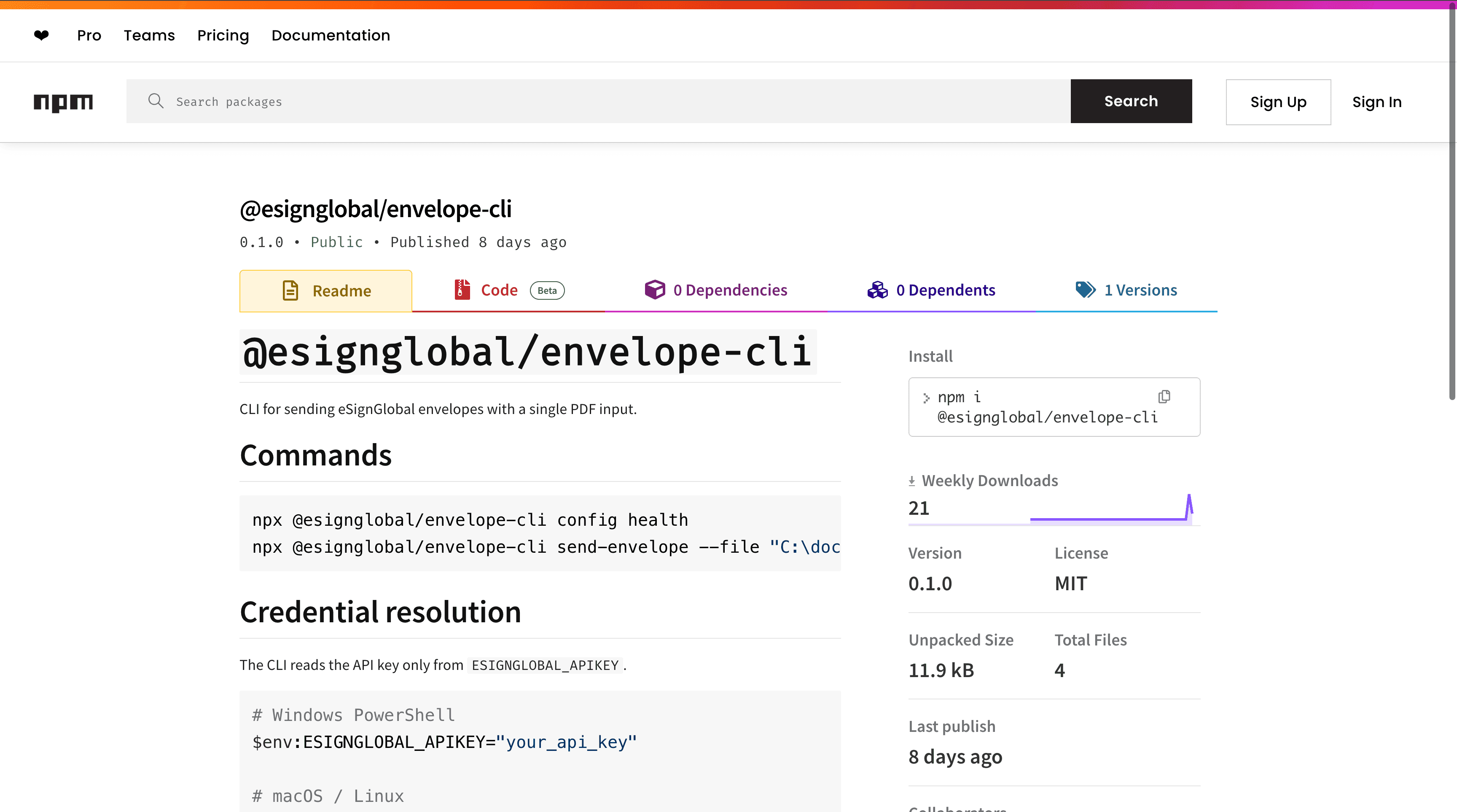
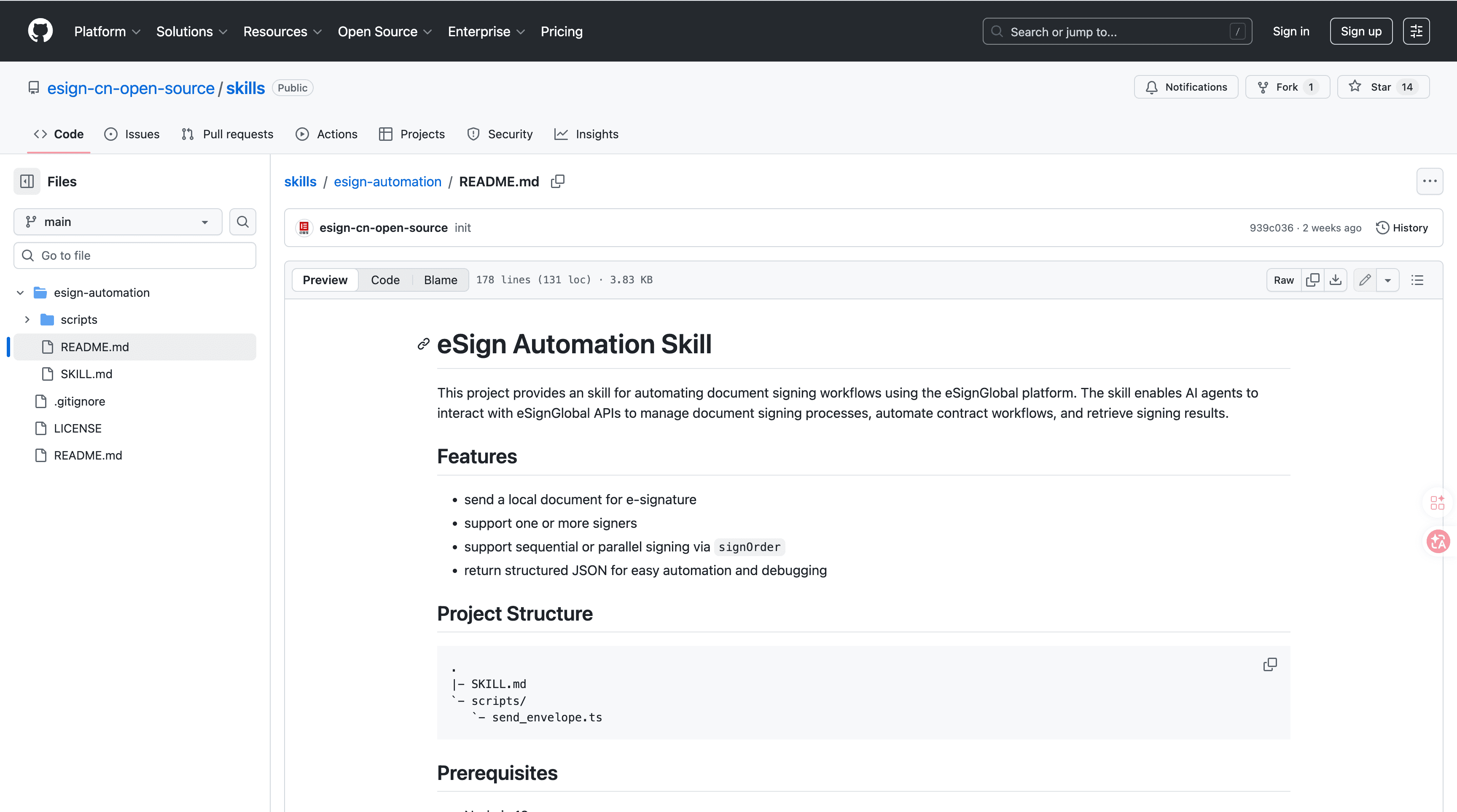
eSignGlobal's esign-automation
eSignGlobal's esign-automation provides AI-native signing capabilities designed for OpenClaw agents, allowing natural language interactions to initiate and manage document signing processes without rigid interfaces. Users can describe signing needs in plain text, and the system interprets them to generate workflows, integrating directly with CRM data mappings to populate fields automatically.
Technically, it is built on Node.js for efficient backend processing and outputs structured JSON for easy parsing and integration with other systems. It supports flexible signing orders, including single signer, sequential, or parallel modes, accommodating various sales approval scenarios.
To integrate, install the package from ClawHub or GitHub repositories, then configure the API key in your environment variables. Initiate signing via natural language commands through OpenClaw agents, such as "Map CRM deal data to contract and send for sequential approval." Retrieve results via API callbacks or webhooks, which include signed documents and audit logs in JSON format.
For security and compliance, esign-automation adheres to MIIT and CNCERT recommendations, ensuring data protection across over 100 countries. It supports integrations like Hong Kong's IAM Smart for identity verification, Singapore's Singpass for secure authentication, and G2B hardware or API docking for government-to-business transactions. A free tier is available, offering limited signing volumes for testing and small-scale use. This setup reduces manual entry by directly linking CRM outputs to verifiable digital signatures, enhancing operational reliability in sales ops. (178 words)
HubSpot - CRM Data Syncing
HubSpot's automation features sync sales data from pipelines to external signing tools, mapping fields like contact details and deal values to pre-filled documents, which cuts down on manual verification steps.
Google Workspace - Document Collaboration Flows
Google Workspace integrates CRM exports with Google Docs and Sheets to automate data insertion into collaborative templates, enabling real-time updates and signatures that align with sales operations without extensive manual adjustments.
FAQs
