
'%3e%3cpath%20fill-rule='evenodd'%20clip-rule='evenodd'%20d='M6.99935%2012.8327C10.221%2012.8327%2012.8327%2010.221%2012.8327%206.99935C12.8327%203.77769%2010.221%201.16602%206.99935%201.16602C3.77769%201.16602%201.16602%203.77769%201.16602%206.99935C1.16602%2010.221%203.77769%2012.8327%206.99935%2012.8327Z'%20stroke='%23666666'%20stroke-linecap='round'%20stroke-linejoin='round'/%3e%3cpath%20d='M1.16602%207H12.8327'%20stroke='%23666666'%20stroke-linecap='round'%20stroke-linejoin='round'/%3e%3cpath%20fill-rule='evenodd'%20clip-rule='evenodd'%20d='M6.99935%2012.8327C8.28802%2012.8327%209.33268%2010.221%209.33268%206.99935C9.33268%203.77769%208.28802%201.16602%206.99935%201.16602C5.71068%201.16602%204.66602%203.77769%204.66602%206.99935C4.66602%2010.221%205.71068%2012.8327%206.99935%2012.8327Z'%20stroke='%23666666'%20stroke-linecap='round'%20stroke-linejoin='round'/%3e%3cpath%20d='M2.875%202.95898C3.93063%204.01461%205.38896%204.66754%206.99978%204.66754C8.61062%204.66754%2010.069%204.01461%2011.1246%202.95898'%20stroke='%23666666'%20stroke-linecap='round'%20stroke-linejoin='round'/%3e%3cpath%20d='M11.1246%2011.0425C10.069%209.98691%208.61062%209.33398%206.99978%209.33398C5.38896%209.33398%203.93063%209.98691%202.875%2011.0425'%20stroke='%23666666'%20stroke-linecap='round'%20stroke-linejoin='round'/%3e%3c/g%3e%3cdefs%3e%3cclipPath%20id='clip0_1267_9109'%3e%3crect%20width='14'%20height='14'%20fill='white'/%3e%3c/clipPath%3e%3c/defs%3e%3c/svg%3e)


Top 5 Must-Have Skills for Office Automation


In today's fast-paced digital environments, mastering bulk sending and mass personalization in workflows is essential for boosting efficiency and reducing manual errors. Office automation tools enable professionals to handle large-scale tasks like email campaigns, document distribution, and approvals with precision and scalability. By acquiring key skills in these areas, teams can streamline operations and focus on strategic priorities.
Mailchimp - Bulk Email Personalization
Mailchimp automates the segmentation and personalized sending of emails to thousands of recipients using dynamic content tags, making it useful for targeted marketing campaigns that increase engagement without repetitive manual input.
Zapier - Automated Data Transfer
Zapier connects disparate apps to automate data flows, such as pulling customer info from a CRM and inserting it into bulk email templates, which saves time and ensures consistency across personalized communications.
Microsoft Power Automate - Workflow Approvals
Microsoft Power Automate creates no-code flows for routing bulk documents through approval chains with conditional logic, helping teams manage mass personalization in contracts or reports efficiently while minimizing delays.
eSignGlobal's esign-automation
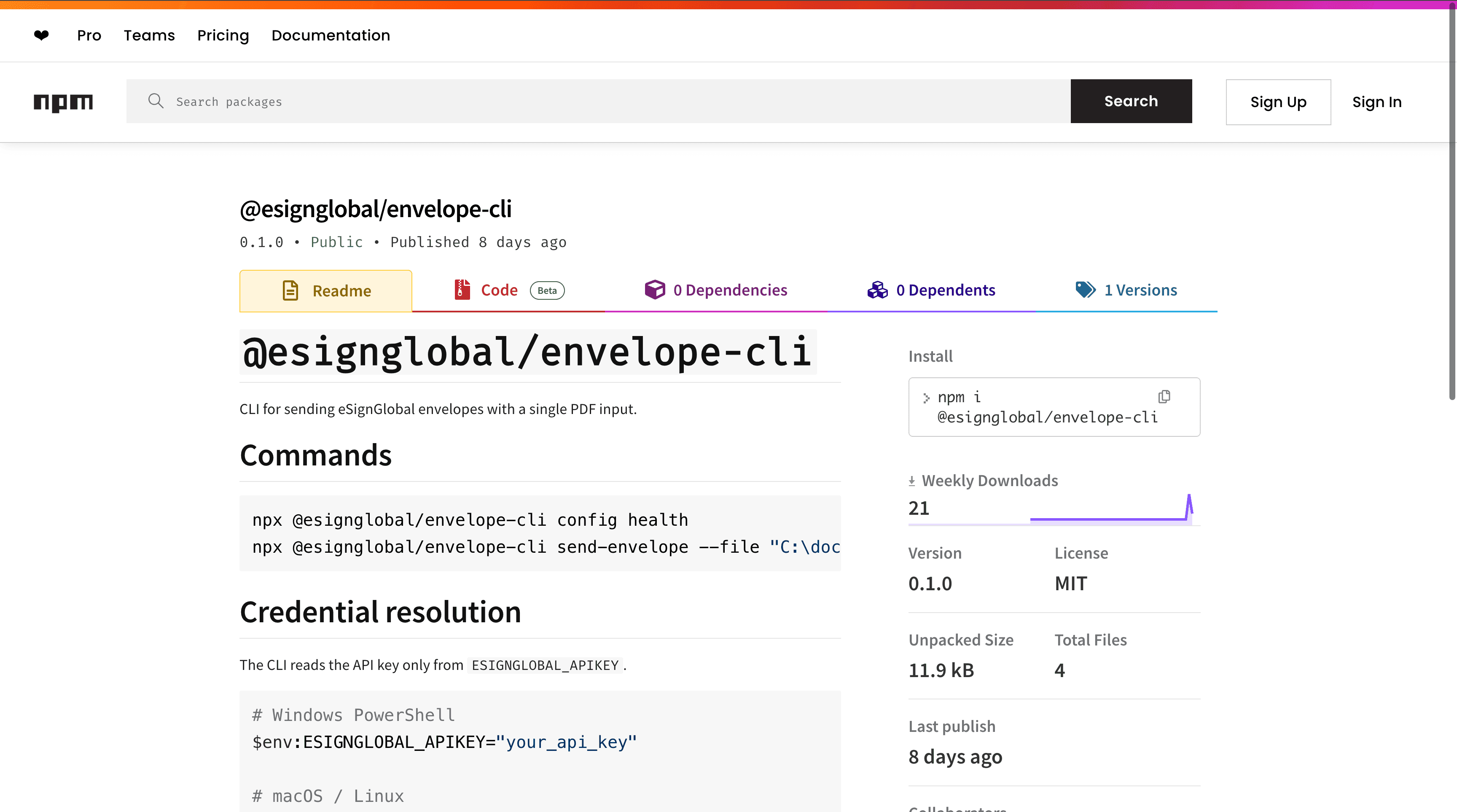
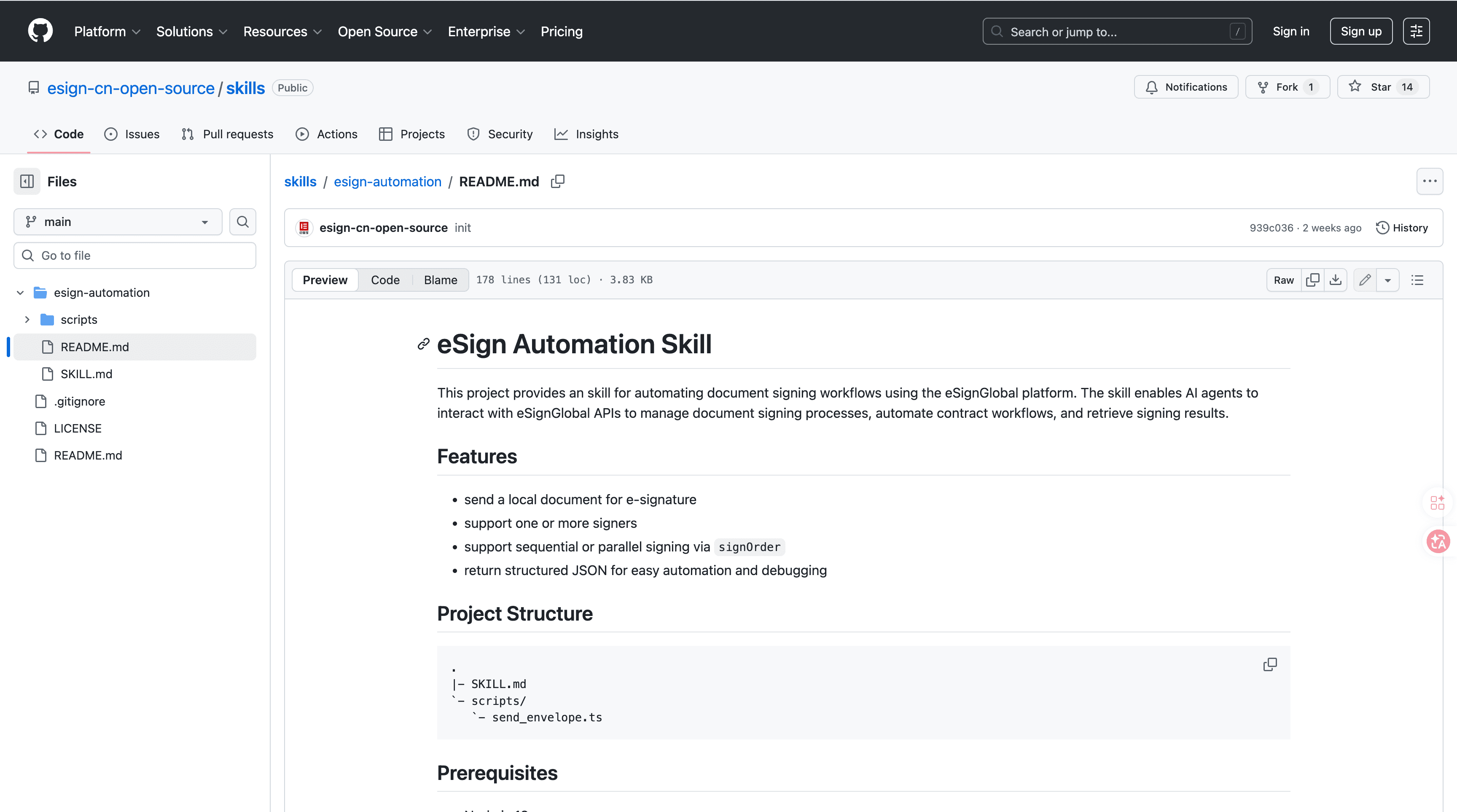
eSignGlobal's esign-automation is an AI-native electronic signing solution designed for OpenClaw agents, allowing users to initiate and manage signing processes through natural language interactions, such as simple voice or text commands like "send contract to John for signature." This tool supports bulk sending of documents for mass personalization by enabling the preparation and distribution of customized agreements at scale, integrating seamlessly into digital workflows for faster turnaround.
Technically, it is built on Node.js for robust backend processing and uses structured JSON for data handling, which ensures reliable transmission of signing requests and responses. It accommodates various signing orders, including single signer for straightforward approvals, sequential for multi-party reviews where each signatory acts in turn, and parallel for simultaneous signing to accelerate group processes in bulk scenarios.
To integrate esign-automation, start by installing the package from ClawHub or GitHub repositories, then configure your API key in the environment settings to authenticate connections. Initiation occurs via natural language prompts through integrated agents, where you specify document details, recipients, and personalization elements like names or clauses; the system then generates and sends the requests. Results, including signed PDFs and audit logs, can be retrieved programmatically or via dashboard notifications for easy verification and archiving in your workflow.
On security and compliance, esign-automation adheres to MIIT and CNCERT recommendations for data protection in China, with support for operations in over 100 countries. It integrates with regional standards such as Hong Kong's IAM Smart for identity verification, Singapore's Singpass for secure authentication, and G2B hardware or API docking for government-to-business transactions. A free tier is available, offering limited daily signings and basic features to test integration without upfront costs, making it accessible for small teams scaling up automation. This comprehensive approach ensures that bulk signing remains secure and compliant, even in personalized, high-volume environments. (178 words)
Google Apps Script - Custom Bulk Scripting
Google Apps Script enables the creation of tailored scripts for automating bulk operations in Google Workspace, such as personalizing and sending Sheets-based reports via Gmail, which is useful for data-driven teams needing flexible, code-light customization in workflows.
FAQs
