Service Center
Set Default Signing Order
eSignGlobal supports workspace super administrators to set the default signing order when sending an envelope.
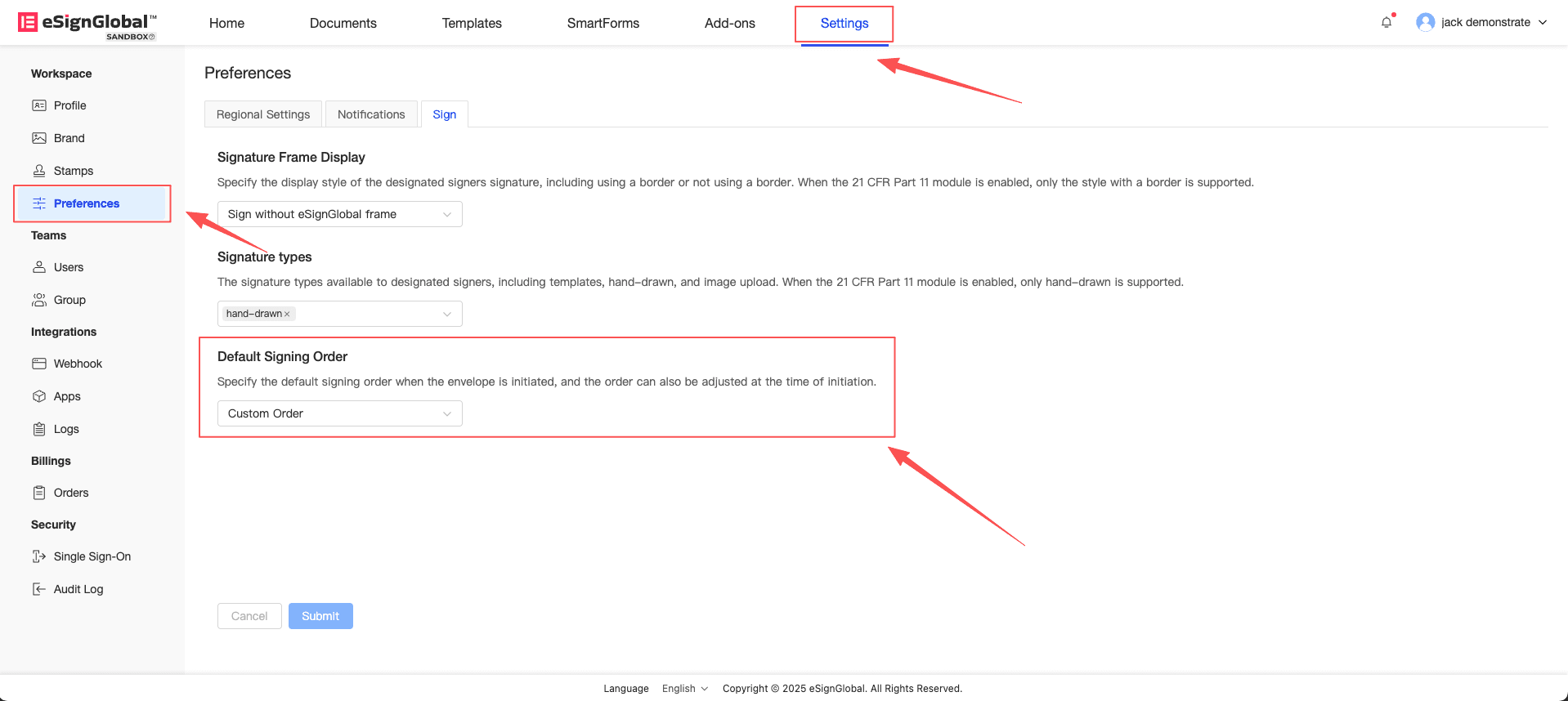
- In the Workspace - Preferences page, the “Default Signing Order” configuration item can be used to set the signing rules for each envelope initiation. When using “Custom Order”, the initiated envelope will default to ordered signing; when using “Sign without Order”, the initiated envelope will default to unordered signing.
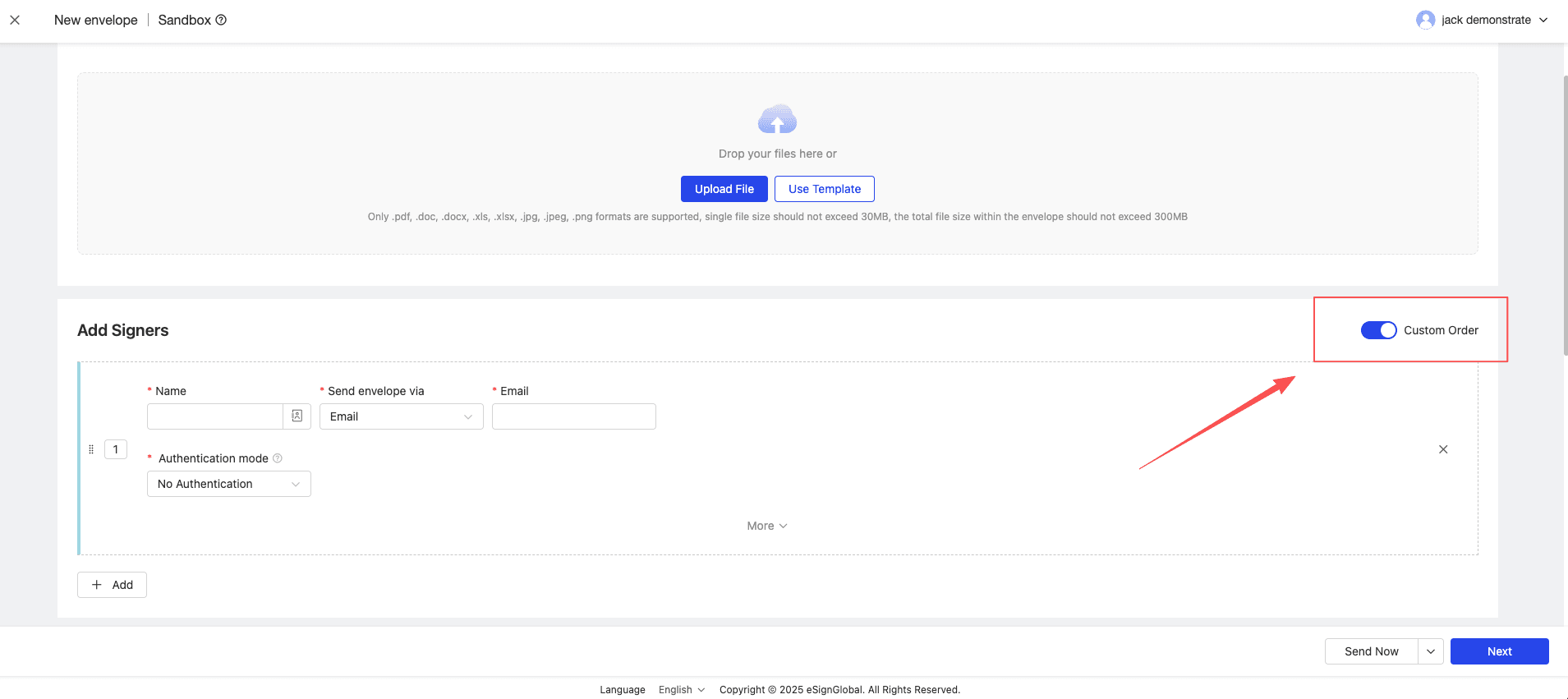
- When the sender initiates an envelope, the default signing order will be displayed according to the configuration item. The sender can manually adjust this switch during initiation.