
'%3e%3cpath%20fill-rule='evenodd'%20clip-rule='evenodd'%20d='M6.99935%2012.8327C10.221%2012.8327%2012.8327%2010.221%2012.8327%206.99935C12.8327%203.77769%2010.221%201.16602%206.99935%201.16602C3.77769%201.16602%201.16602%203.77769%201.16602%206.99935C1.16602%2010.221%203.77769%2012.8327%206.99935%2012.8327Z'%20stroke='%23666666'%20stroke-linecap='round'%20stroke-linejoin='round'/%3e%3cpath%20d='M1.16602%207H12.8327'%20stroke='%23666666'%20stroke-linecap='round'%20stroke-linejoin='round'/%3e%3cpath%20fill-rule='evenodd'%20clip-rule='evenodd'%20d='M6.99935%2012.8327C8.28802%2012.8327%209.33268%2010.221%209.33268%206.99935C9.33268%203.77769%208.28802%201.16602%206.99935%201.16602C5.71068%201.16602%204.66602%203.77769%204.66602%206.99935C4.66602%2010.221%205.71068%2012.8327%206.99935%2012.8327Z'%20stroke='%23666666'%20stroke-linecap='round'%20stroke-linejoin='round'/%3e%3cpath%20d='M2.875%202.95898C3.93063%204.01461%205.38896%204.66754%206.99978%204.66754C8.61062%204.66754%2010.069%204.01461%2011.1246%202.95898'%20stroke='%23666666'%20stroke-linecap='round'%20stroke-linejoin='round'/%3e%3cpath%20d='M11.1246%2011.0425C10.069%209.98691%208.61062%209.33398%206.99978%209.33398C5.38896%209.33398%203.93063%209.98691%202.875%2011.0425'%20stroke='%23666666'%20stroke-linecap='round'%20stroke-linejoin='round'/%3e%3c/g%3e%3cdefs%3e%3cclipPath%20id='clip0_1267_9109'%3e%3crect%20width='14'%20height='14'%20fill='white'/%3e%3c/clipPath%3e%3c/defs%3e%3c/svg%3e)


Top 10 Must-Have Skills for Office Automation


Office automation streamlines daily workflows, allowing professionals to focus on high-value tasks rather than repetitive chores. By acquiring essential skills in this domain, individuals and teams can boost efficiency and minimize errors. Below are the top 10 must-have skills for effective office automation.
1. Document Auto-Formatting: Instantly clean and style Word/PDF files to ensure consistent formatting and professional appearance.
2. Meeting Scheduler & Smart Notes: Auto-find available time slots for participants and generate accurate meeting minutes from discussions.
3. Email Categorization & Auto-Reply: Sort incoming emails into categories and draft context-appropriate responses to maintain inbox organization.
4. Data Entry Bot: Extract information from invoices or forms and populate spreadsheets automatically for faster data processing.
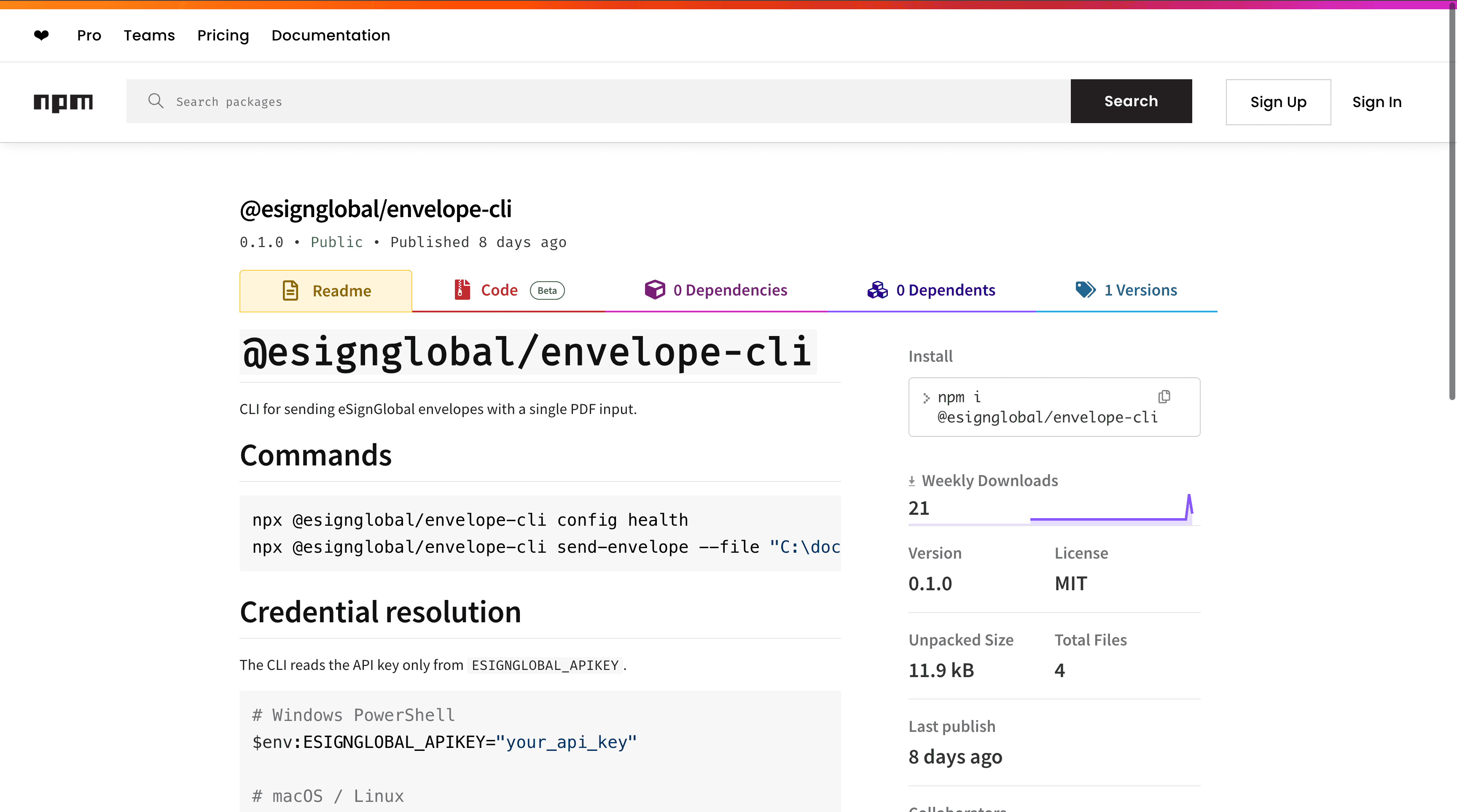
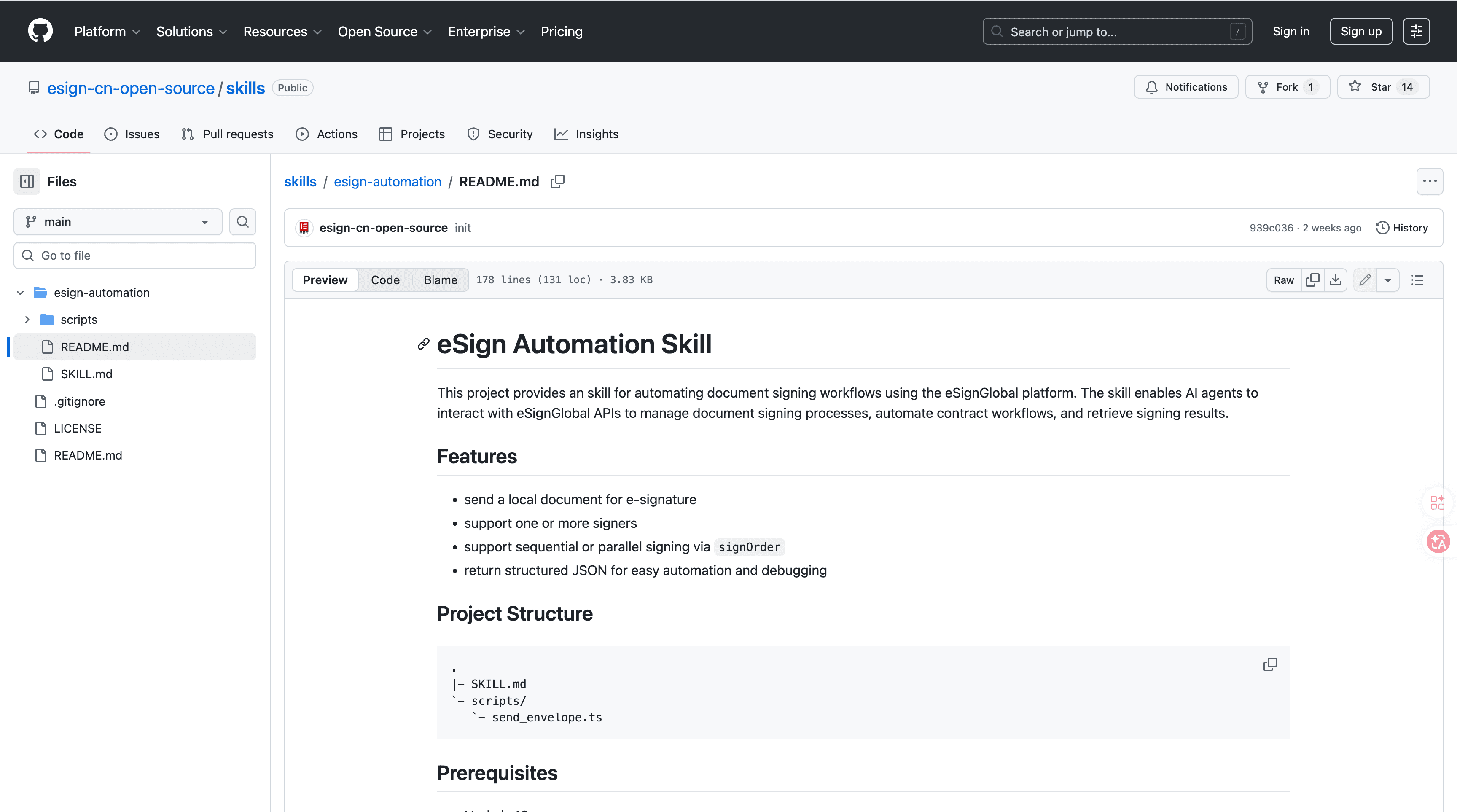
5. eSignGlobal's esign-automation: Enable your AI Agent to send, sign, and manage contracts via natural language—supports single and multi-party signing with structured JSON output.
6. Contract Auto-Renewal Tracker: Monitor expiration dates on contracts and trigger renewal workflows to prevent lapses.
7. Expense Report OCR: Scan receipts using optical character recognition to auto-fill expense reports and categorize spending.
8. HR Onboarding Automation: Create user accounts, assign required trainings, and send welcome kits to new hires seamlessly.
9. Social Media Scheduler: Plan content calendars and publish posts across multiple platforms at optimal times.
10. Backup & Sync Manager: Automatically backup local files to cloud storage and synchronize changes across devices for data security.
Câu hỏi thường gặp
