


 Service Center
User Invitation List
eSignGlobal provides a user invitation list feature, allowing super administrators and administrators to view the status of user invitations in real-time, ensuring clear and controllable team user management, and enhancing collaboration efficiency.
-
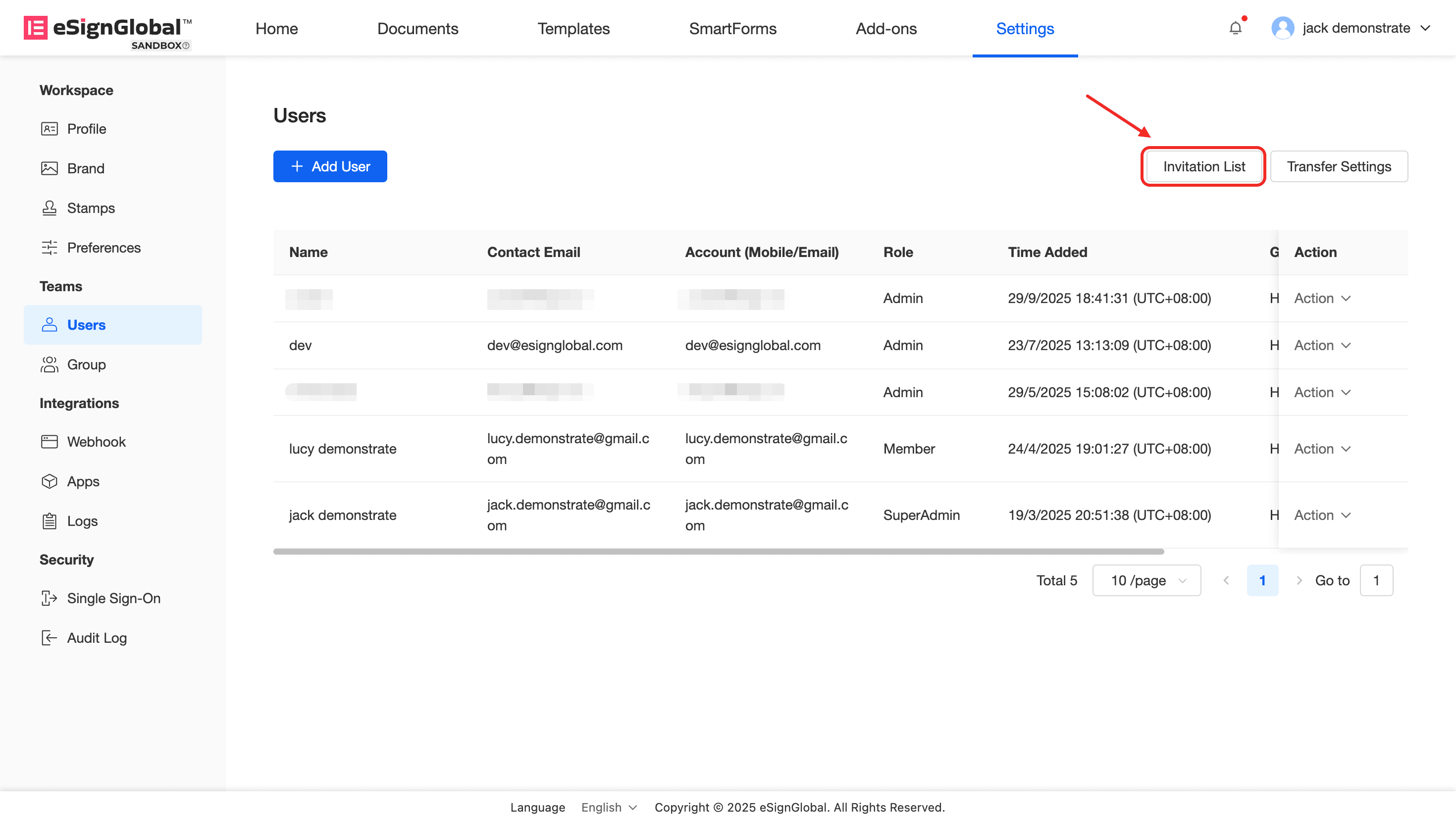
Enter the workspace: Select [Settings] > [Users].
-
Click [Invitation List] to view the invitation information of all pending and joined members.
-
Manage invitation records:
-
Pending users: You can perform the following actions:
- Cancel invitation: Cancel the invitation that has not been accepted;
- Delete invitation: Remove this invitation record;
- Resend notification: Send the invitation record to the invited member again.
-
Joined users: Support deleting invitation records.


